Review important considerations before you set up third-party data integrations with Workato for Salesforce Spiff.
Required Editions
| Available in: both Salesforce Classic (not available in all orgs) and Lightning Experience |
| Available in: Enterprise, Unlimited, and Developer Editions |
| Available for an additional cost in: Professional Edition with Web Services API Enabled |
Limitations
- You can’t update translator fields after you’ve started syncing data with a webhook mapping.
- The setup steps don’t cover how to set up fields for any specific data connector because each third-party connector’s settings are different.
- Salesforce Customer Support can’t help with specific error resolution, setup, or configuration because Workato is third-party software that's independent from Salesforce Spiff.
- To connect Salesforce Spiff to another application through Workato, purchase a Salesforce Spiff - Additional Connector subscription. This subscription is a separate purchase from your Spiff seats. Each subscription entitles you to one connection between Spiff and another application. Salesforce doesn't continuously monitor connector usage, but reserves the right to review your usage at any time. If you use more connectors than your contract includes, Salesforce can increase your costs or restrict your access.
- Each subscription includes two connectors: one for the Spiff side of the connection and one for the other application. You are responsible for procuring, implementing, and maintaining any application to which Workato connects. Salesforce does not guarantee the viability or availability of any specific connection. See the Workato Integration Library for more information.
- Each Salesforce Spiff - Additional Connector subscription includes a limit of 3 million Workato tasks per annum, on a pro-rated basis. A task is a unit of work that Workato uses to measure compute, such as transforming, sending, or retrieving a record. If you use more than 3 million tasks per annum per subscription, Workato access may be restricted if you continue to exceed the limit after receiving notice from Salesforce. See Tasks in the Workato docs for more information.
Environment
Before you get started, work with your stakeholders to create a strategy for importing data into Spiff.
After you purchase a specific third-party connector, an admin user can access Workato and set up the data source for the connector.
Users log in to Workato with their Spiff credentials. To give a user access to Workato, go to Users from the Admin menu. Click the user’s name to open the user profile and turn on the Workato option.
Normalized Tables
To sync data with an external data source, map Spiff basic tables to normalized tables from the data source. Basic tables calculate generic commissions, and normalization helps you organize data into a consistent format and eliminate redundancy.
These normalized tables are the most common in Salesforce Spiff.
- Users, which lists reps assigned to plans for calculating commissions
- Accounts, which lists payees
- Deals, which lists sales closed by a rep for an account, usually with products
- Products, which lists products sold
- Line_items, which describes how products sold in deals
- ConversionRate, which provides default currency conversion and automatically normalizes data when you manually upload an object
The Users table is the most important normalized table. Spiff has multiple prebuilt relationships and behaviors for the Users data table and allows only one normalized Users table per instance. The Users table must include a field for name, role, email, and external_id.
Normalized tables populate related normalized records in data sources. For example, normalize mappings for the Deals or Opportunities tables so you can easily reference related accounts or users in data sources.
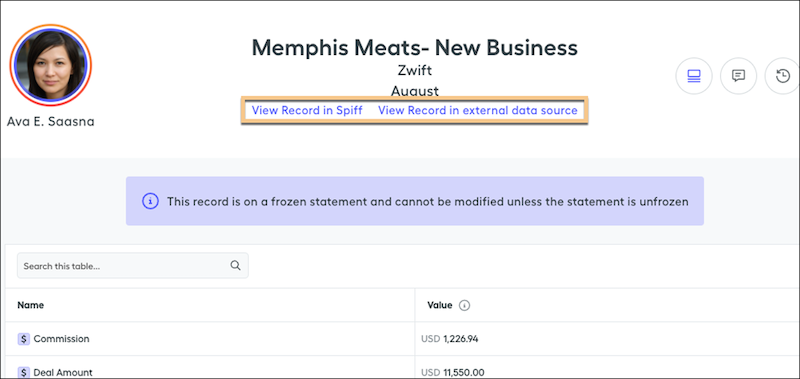
For line-by-line rules, normalized records also include a link from the statement to the record in the data source.