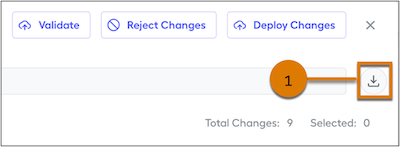
The CSV file includes all changes in the change set and the test results.
Required Editions
| Available in: both Salesforce Classic (not available in all orgs) and Lightning Experience |
| Available in: Enterprise, Unlimited, and Developer Editions |
| Available for an additional cost in: Professional Edition with Web Services API Enabled |
| User Permissions Needed | |
|---|---|
|
To download a change set CSV file in Salesforce Spiff: |
A Spiff user role with these permissions turned on.
|
-
In the parent environment, go to Admin and select Settings.
You can also download a change set from a sandbox after you’ve submitted the change set to the parent environment. See Test and Submit Salesforce Spiff Change Sets.
- Under Environments, select Inbound Change Sets.
- In the Name column, click the change set.
-
Next to the Description field, click Download (1).