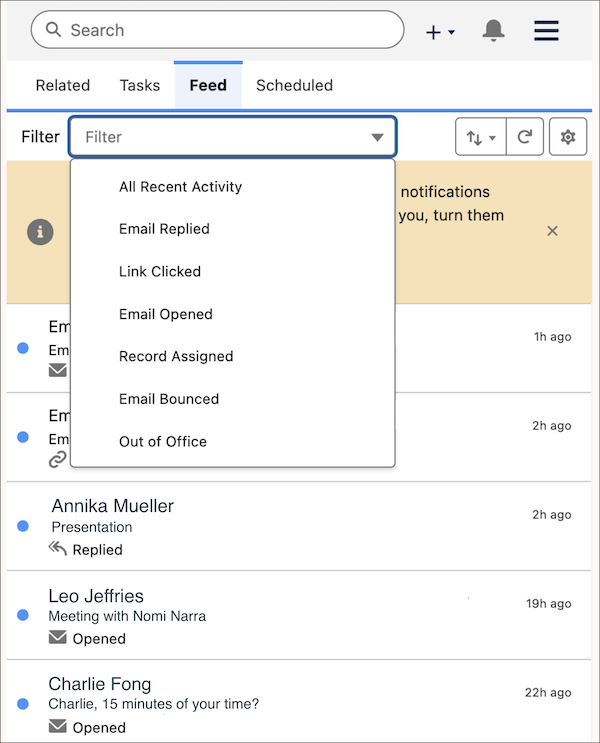
With My Feed in the Salesforce Chrome extension side panel, you can see your recent engagement alerts while viewing web pages. You can filter on engagement type, review the history of notifications in the feed, and pick the right moment to reach out to a prospect. For example, if you get a notification in the side panel, you can quickly shift your attention to the engaged prospect without switching browser tabs.