
Get access to Salesforce Maps and its data, set your goals, and interpret the data on the map. Later, you generate leads or accounts from that data and determine whether marketing campaigns can help you and your team reach your goals.
Required Editions
| View supported editions. |
When you plot data from trusted data sources on a map, you increase your chances of reaching and exceeding your sales and service targets. Choose from property, business, and demographic data that helps you determine where to focus your efforts.
| What to do | How? |
|---|---|
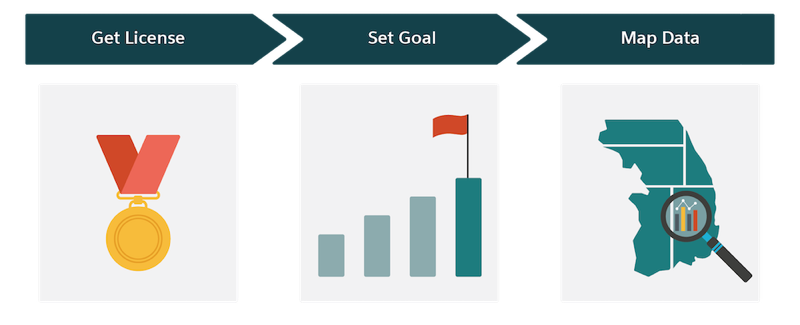
| Get License |
If you don’t have a license for Salesforce Maps, discuss your options with a Salesforce account executive. Your account executive can help you determine whether it makes sense for you to purchase:
|
| Set Goal |
Develop a healthy pipeline of prospects that supplements your regular lead sources. Using Salesforce Maps data, you can create leads or accounts for the properties and businesses that you want to pursue. If you’re looking to expand your business into or recruit from untapped and underserved markets, determine which population characteristics are more likely to respond to your offerings. For example, you want to focus on counties with high populations and concentrations of households earning income within specific brackets. |
| Map Data |
Create data layers that you plot in Salesforce Maps. When you identify the data that represents the properties and businesses that you want to pursue, you create leads using Click2Create in Salesforce Maps. If you’re working with demographic data, you visualize areas on the map that offer greater potential for expanding your business or recruiting talent efficiently. |