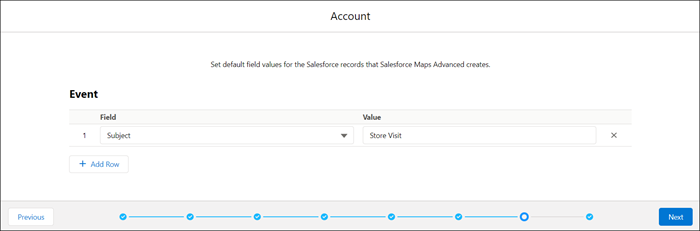
To create more comprehensive, detailed output records, specify default field values for
the records that the visit plan creates in Salesforce Maps Advanced.
Required Editions
-
In the dataset wizard, under Event, select the fields and corresponding values that you
want output records to have by default after reps generate routes.
-
Click Next.
The object, field, and dates that represent promotional windows appear in the
dataset wizard.