
Before you create a visit plan in Salesforce Maps Advanced, make sure that you have the data and criteria you need, such as custom objects.
Required Editions
| View supported editions. |
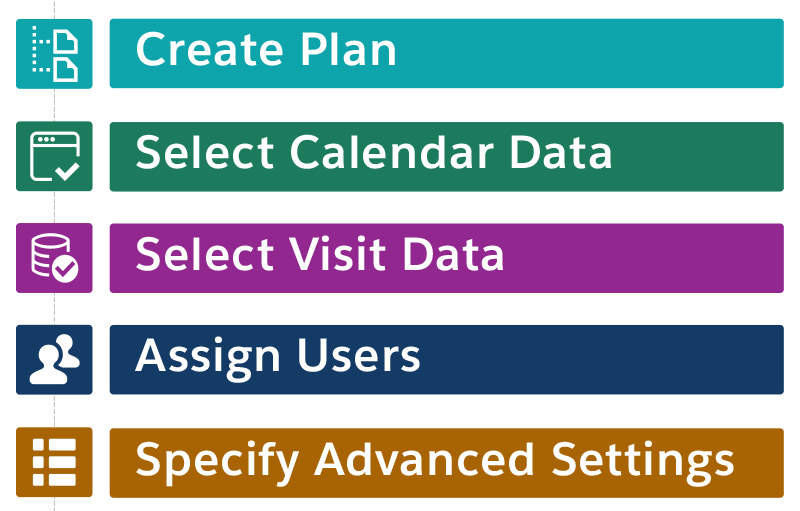
| High-Level Task | Questions to Answer | Example |
|---|---|---|
| Create a plan |
In your company, who creates and maintains visit plans? Visit plans require a dedicated person to keep them current and relevant for reps. |
To create and update visit plans, a retail operations manager requires the Maps Admin, SF Maps, and SF Maps Advanced permission sets. To generate routes, the manager's reps require the SF Maps and SF Maps Advanced permission sets. |
| Select calendar data |
How do you represent reps’ visits on their schedules? Events are standard. Anything else needs a custom output object. |
You use events to represent retail reps’ visits on their calendars, so you use the Event object for the output object. |
| Select visit data |
|
You use Consumer Goods and your custom routable object is RetailStore. That RetailStore object contains formula fields for minimum and maximum days between visits based on quarterly visit requirements. The object looks up to visit windows that contain standard business hours and temporary visit windows for seasonal businesses. |
| Assign users |
|
The account owner is responsible for visiting stores. When you generate routes, the optimization process adds stops to your reps’ schedules for the accounts that they own. |
| Specify advanced settings |
|
You decide the visit plan applies to routes for your next business quarter. You choose to optimize routes weekly. You allow a shift length of no more than 4 hours for part-time reps. |