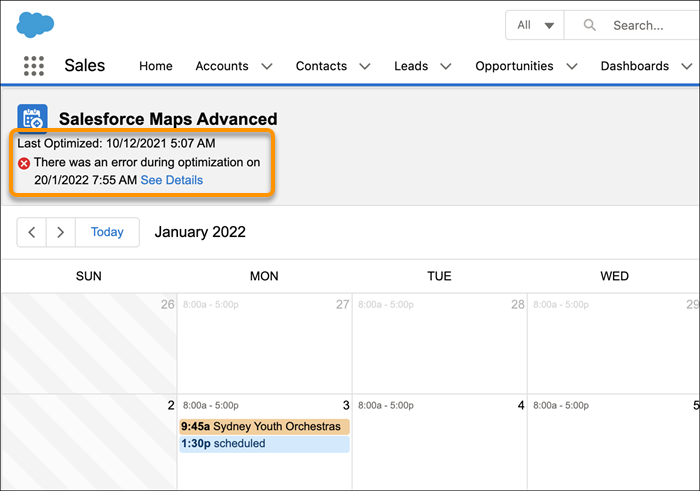
As a rep, monitor the progress of your route optimization through your Salesforce Maps Advanced calendar. Check the last time that your routes were optimized and identify errors. Required Editions View supported editions. From the App Launcher, find and select your Maps Advanced Route tab. Above the calendar, note when your optimization last ran and whether any errors occurred. See Also Knowledge Article: Salesforce Maps Advanced Route Calendar
As a rep, monitor the progress of your route optimization through your Salesforce Maps Advanced calendar. Check the last time that your routes were optimized and identify errors. Required Editions View supported editions. From the App Launcher, find and select your Maps Advanced Route tab. Above the calendar, note when your optimization last ran and whether any errors occurred. See Also Knowledge Article: Salesforce Maps Advanced Route Calendar