
After you create an app configuration, you can easily change its style, function, or assignment.
Required Editions
| Available in: Lightning Experience |
| Seller-Focused Mobile Experience is available in: Salesforce Mobile App for Android and iOS on phones and tablets in all editions, except Database.com. |
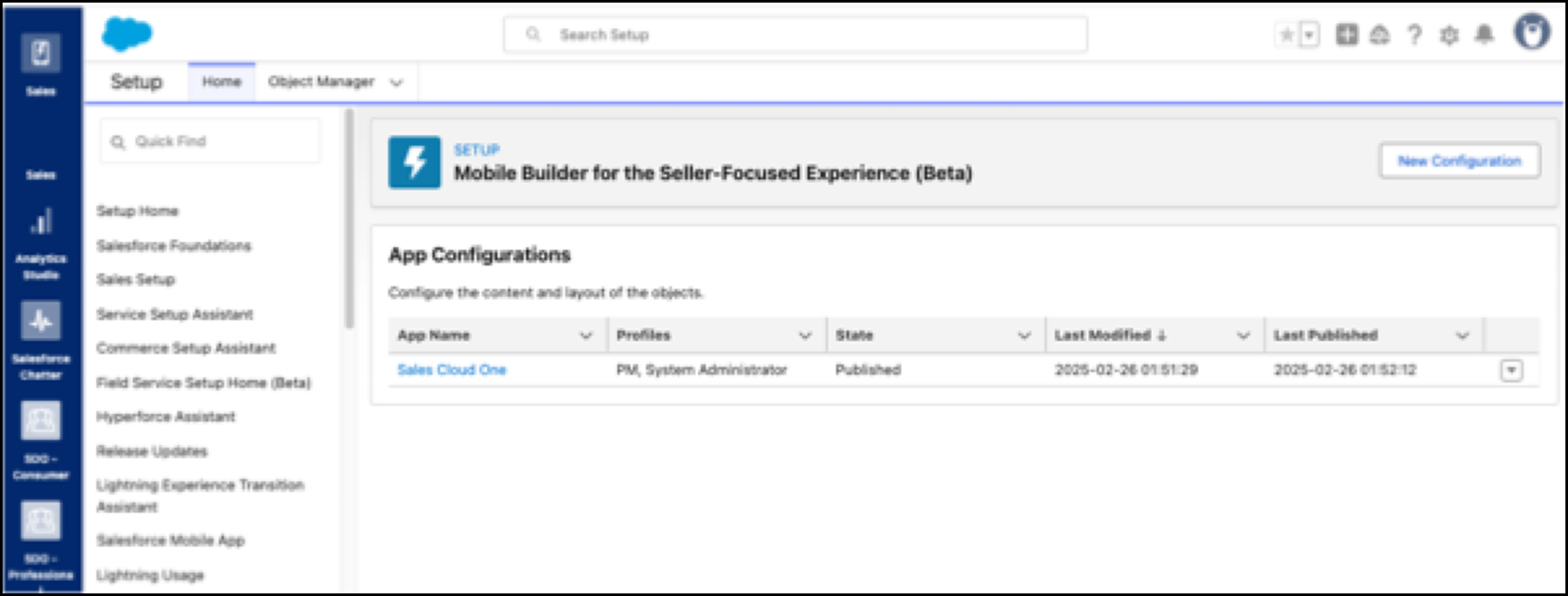
From Setup, in the Quick Find box, enter Mobile Builder for Seller-Focused Experience, and then select Mobile Builder for Seller-Focused Experience.
In the App Configurations pane, click the dropdown next to the selected configuration, and then select the menu option you need.
Edit an App Configuration
You can add, modify, and delete object configurations in your app.
Edit an App Name
Change the app name to suit your needs or add clarity on its purpose.
- From the App Configurations page in Setup, click the dropdown next to the selected
configuration and select Edit Basic Information.
A dialog box opens.
- Edit the App Name field, and then click Save.

Assign Profiles to a Configuration
Choose who sees the custom configuration in the Seller-Focused Mobile Experience based on user preferences and needs.
- From Setup, click the dropdown next to the selected configuration, and then select Assign Profiles.
- Select the profiles that can view your app configuration.
- If no conflicts exist, click Assign. If conflicts exist, click
Next.
- Review the assignment changes you’re about to make.
- Take one of these actions. Confirm that you want to override the current assignments and click Override & Publish. To change the selected assignments, click Cancel & Back.
Clone a Configuration
Make your work customizing configurations for multiple users go more quickly.
- From Setup, click the dropdown next to the selected configuration, and then select Clone.
- Edit the App Name field.
- Edit the API Name field.
- Click Save.
Delete a Configuration
Remove unneeded custom configurations.
- Click the dropdown menu next to the configuration you want to delete.
- Select Delete. A warning modal appears. To delete the configuration, click Delete.
