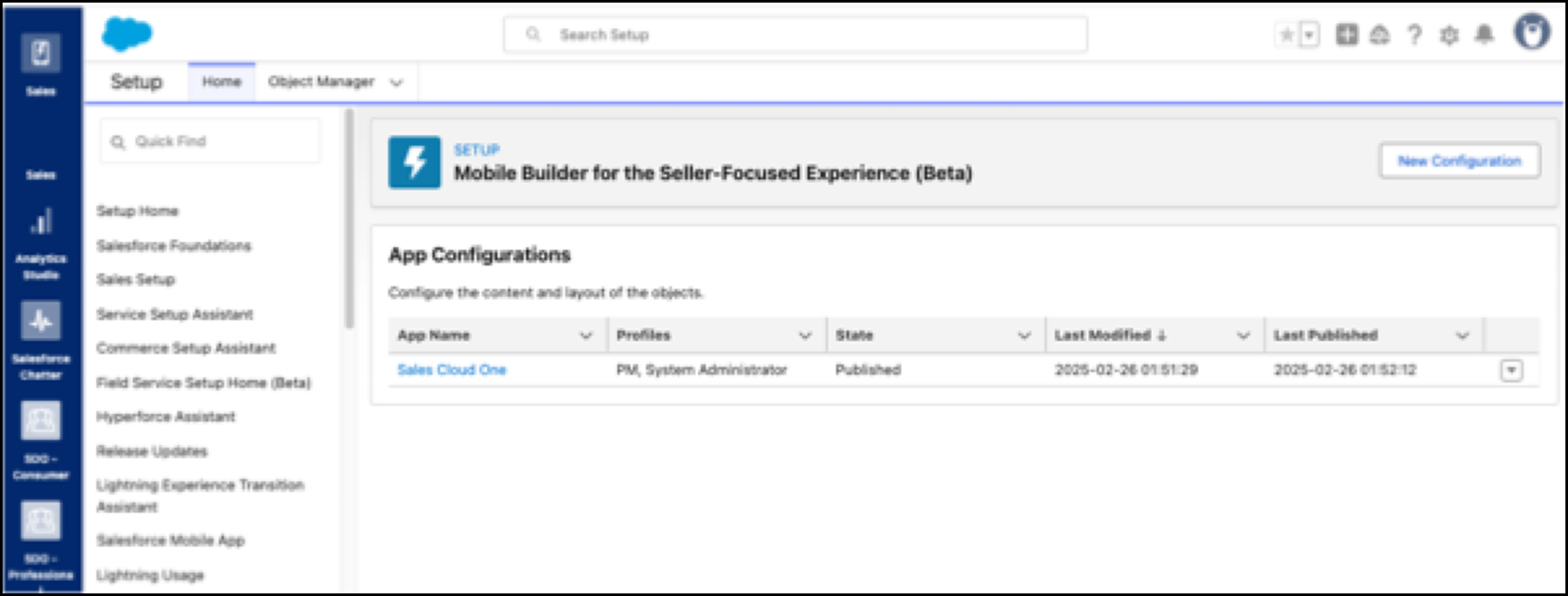
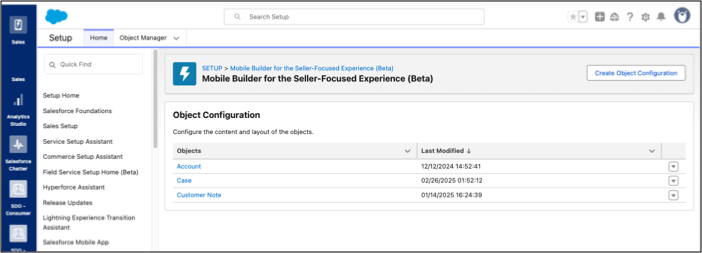
To use the Mobile Builder for Seller-Focused Experience, you create an app configuration
and then create object configurations within it. To customize the app for your users, you can add
as many object configurations as you need.
Required Editions
| Available in: Lightning Experience |
| Seller-Focused Mobile Experience is available in: Salesforce Mobile App for Android
and iOS on phones and tablets in all editions, except Database.com. |
From Setup, in the Quick Find box, enter Mobile Builder for the Seller-Focused Experience, and
then select Mobile Builder for the Seller-Focused Experience.
Create an App Configuration
- Click New Configuration.
- Enter an app name and save.
The object configuration page opens.
Create an Object Configuration
- Click Create Object Configuration.
- Start typing an object name, select an object, and save.
The Mobile Builder for Seller-Focused Experience user interface opens.
You can edit or delete the object configuration, as needed, from the dropdown menu,
next to the selected configuration.