Alt text is text that a digital screen reader can recite aloud to tell visually impaired
users what an image shows. Learners don’t see alt text in the content, but digital screen readers
access it to read the description aloud.
Required Editions
| Available in: Enterprise, Performance, and
Unlimited Editions
|
| User Roles and
Permissions |
|
Enablement Site User Roles
|
|
| This topic supports these enablement site
roles: |
Content Creators |
|
Required System Permissions
|
|
| To create and edit content with Trailmaker Content: |
Create Content |
-
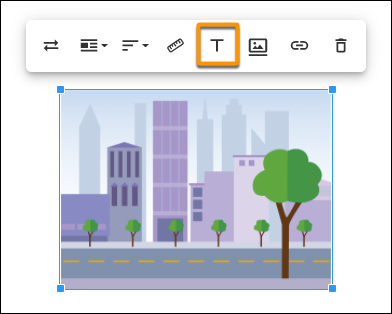
Click an image in a unit.
-
From the mini toolbar, click
 .
.
-
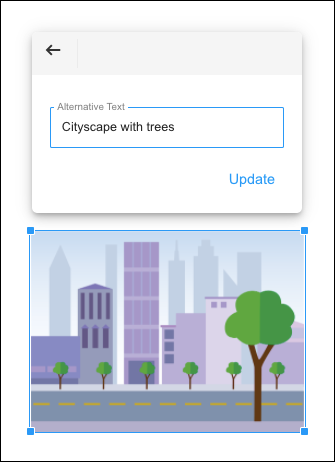
Enter a description of the image, and click Update.