
Einstein Recommendation Builder lets you create a custom recommendation or build one from a template. To save time and build a recommendation faster, use a template. As Einstein learns from your data, your recommendations become smarter.
Required Editions
| Org Permissions Needed | |
|---|---|
| To build parts to work order recommendations using a template: | Enable your org field service settings |
- From Setup, in the Quick Find box, enter Einstein Recommendation Builder, then select Einstein Recommendation Builder. Or on the Einstein Recommendation Builder tile in Setup Home, click Get Started.
- If it's your first time using Recommendation Builder, click Get Started on the splash page. Review and agree to terms, if needed.
- Turn on Einstein Recommendation Builder if it's not already on.
- Click New.
- Choose a template. For example, choose the Parts to Work Orders template to recommend parts to field service work orders.
-
Click Next.
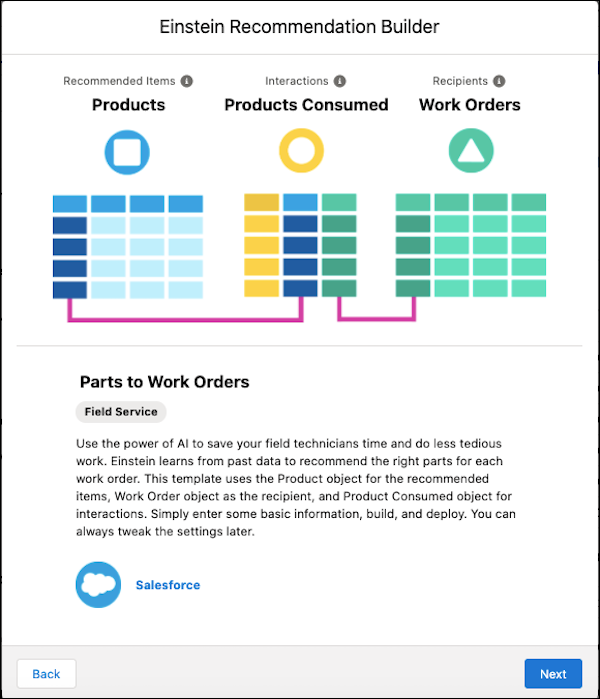
- Click Next.
- Name your recommendation, then tab to autopopulate the API name to match your recommendation.
- Click Build. As you wait, explore the What’s Next topics to learn what happens after you build.
- To access your recommendation from the list view, click Back to Setup.
-
When your recommendation status is Ready, click your recommendation to review
your settings and scorecard.
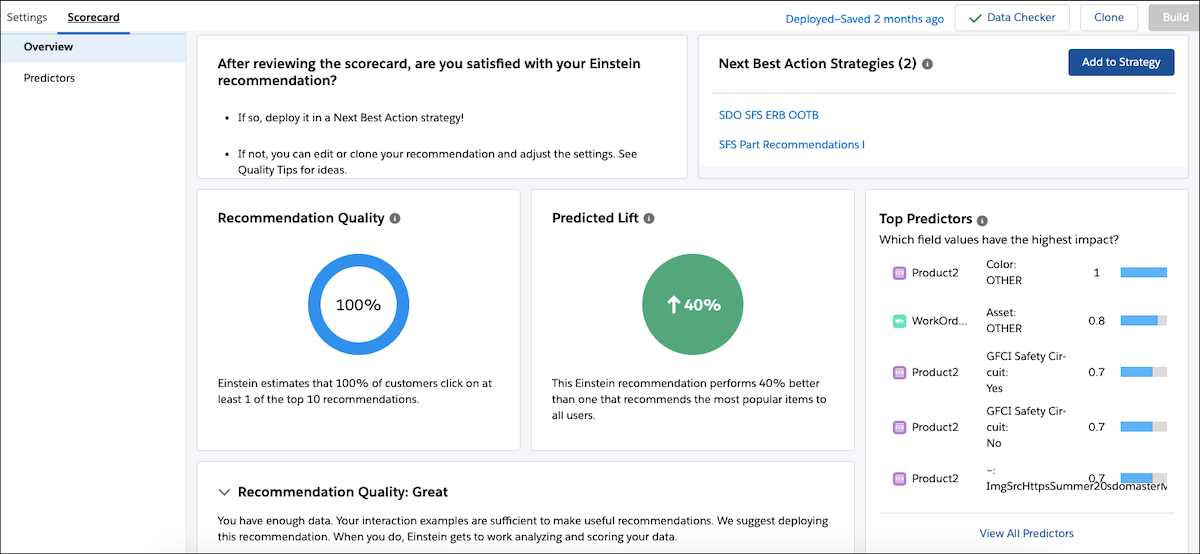
- If your build status indicates an error, click Clone to duplicate your recommendation. Adjust your settings later.
- Rename your recommendation and save.
- In the Settings tab, adjust your segmentation, example records, and field settings, then build. Click Build.
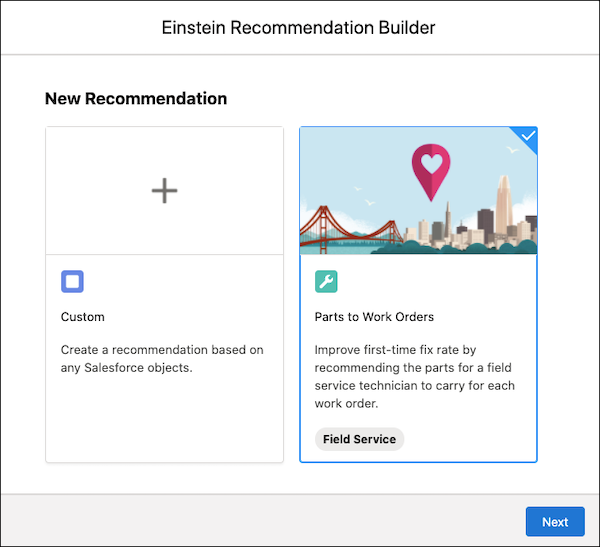

Example The parts that Einstein recommends are security cameras, and the work orders are
the alarm system installations. Data such as geographic location, purchase history, and
product history can determine which security cameras are relevant for a service work
order.