
Create call competencies from the Call Coaching page in Salesforce Go. For best results, follow the steps listed in the windows before activation.
Required Editions
| Available in: Lightning Experience |
|---|
| Available in Enterprise, Performance, Unlimited, and Agentforce 1 Sales Editions with Einstein Conversation Insights. |
| User Permissions Needed | |
|---|---|
| To enable Einstein Conversation Insights: | Customize Application, View Setup, Modify All Data |
We recommend using out-of-the-box competencies for quick setup.
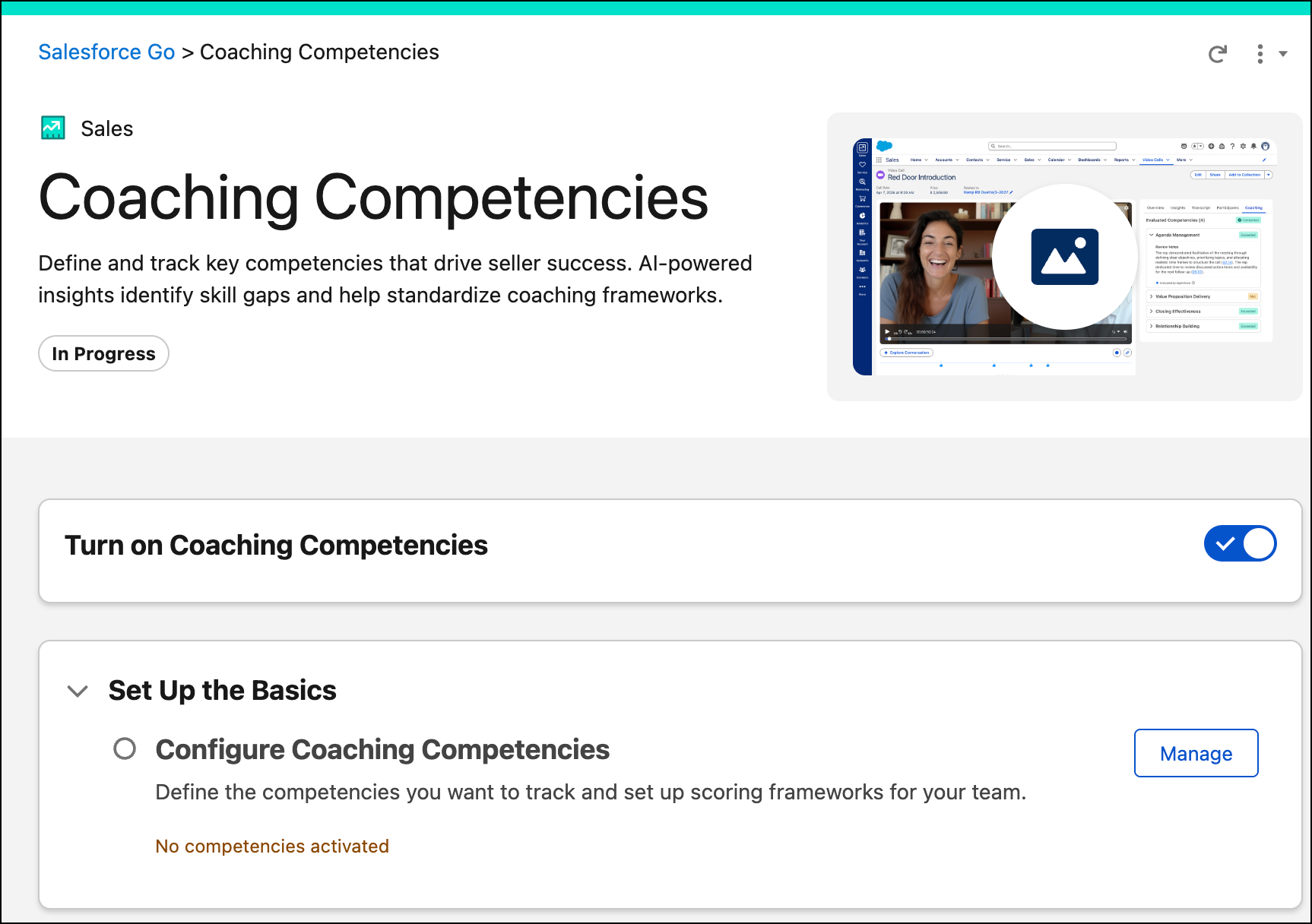
- From the Setup, in the Quick Find box, enter Call Coaching then select Call Coaching.
- Turn on Coaching Competencies.
-
Under Set Up Coaching Competencies, select Manage.
-
Upon first enabling Coaching Competencies, you can select the template competencies that
you want to track for your teams. Modify and activate these competencies. You can always edit
them again later, or create custom competencies from scratch.
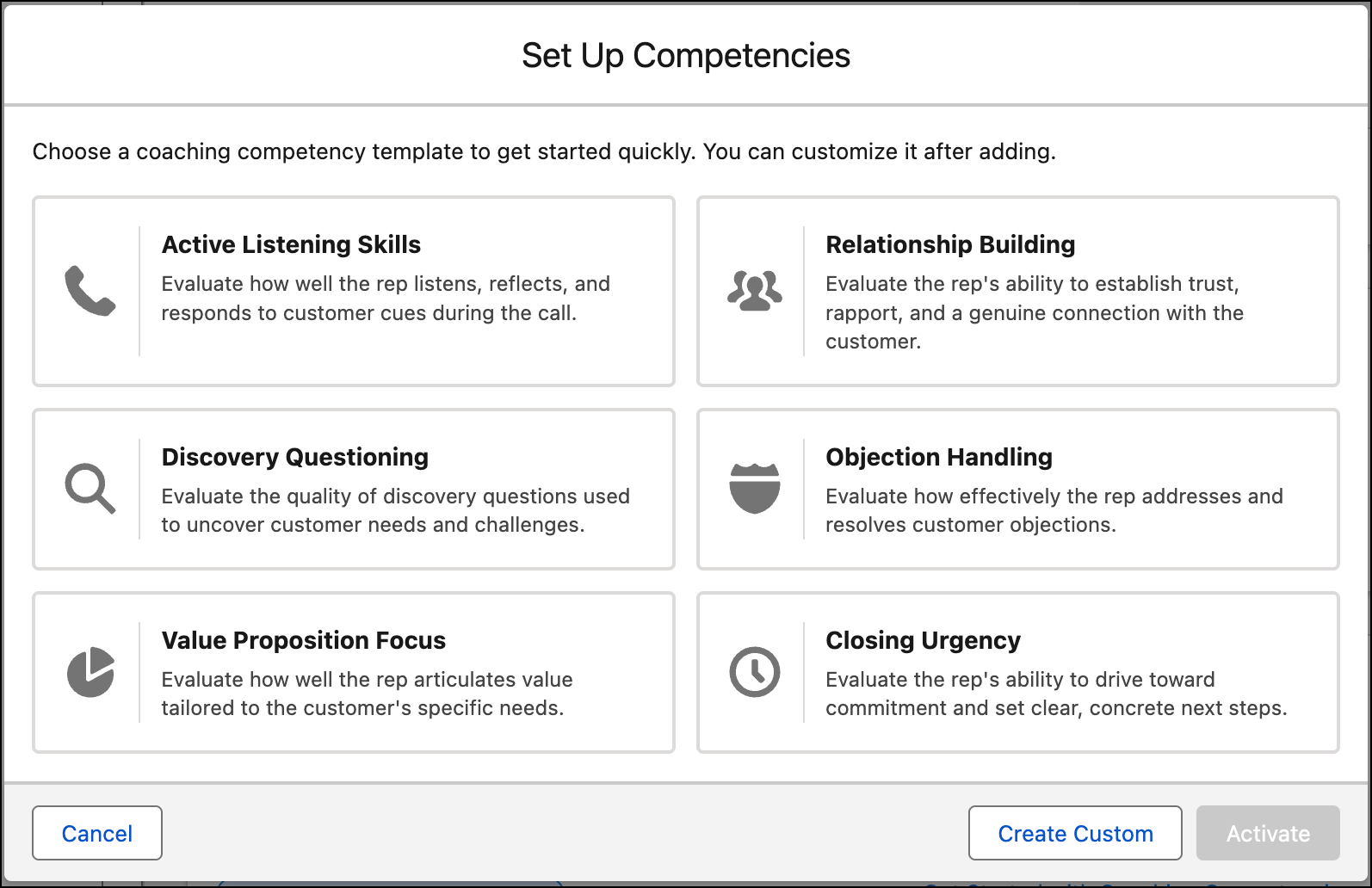
Use out-of-the-box competencies for quick setup.
-
Return to the Coaching Competencies page anytime you want to create or edit
competencies.
You can have up to 8 active competencies.