
Create call competencies from the Call Coaching page in Salesforce Go. For best results, follow the steps listed in the modals before activation.
Required Editions
Prior to scoring video calls with Call Coaching, the following features must be enabled:
- Call Competencies: This can be configured in Setup, from the Coaching Competencies page.
- Einstein Conversation Insights: This can be enabled in Setup, from the General Settings page under Einstein Conversation Insights.
- Einstein Generative AI: This can be enabled in Setup, from the Einstein Generative AI Setup page.
| Available in: Lightning Experience |
|---|
| Available in Enterprise, Performance, Unlimited, and Agentforce 1 Sales Editions with Einstein Conversation Insights. |
| User Permissions Needed | |
|---|---|
| To enable Einstein Conversation Insights: | Customize Application, View Setup, Modify All Data |
Configure Coaching Competencies
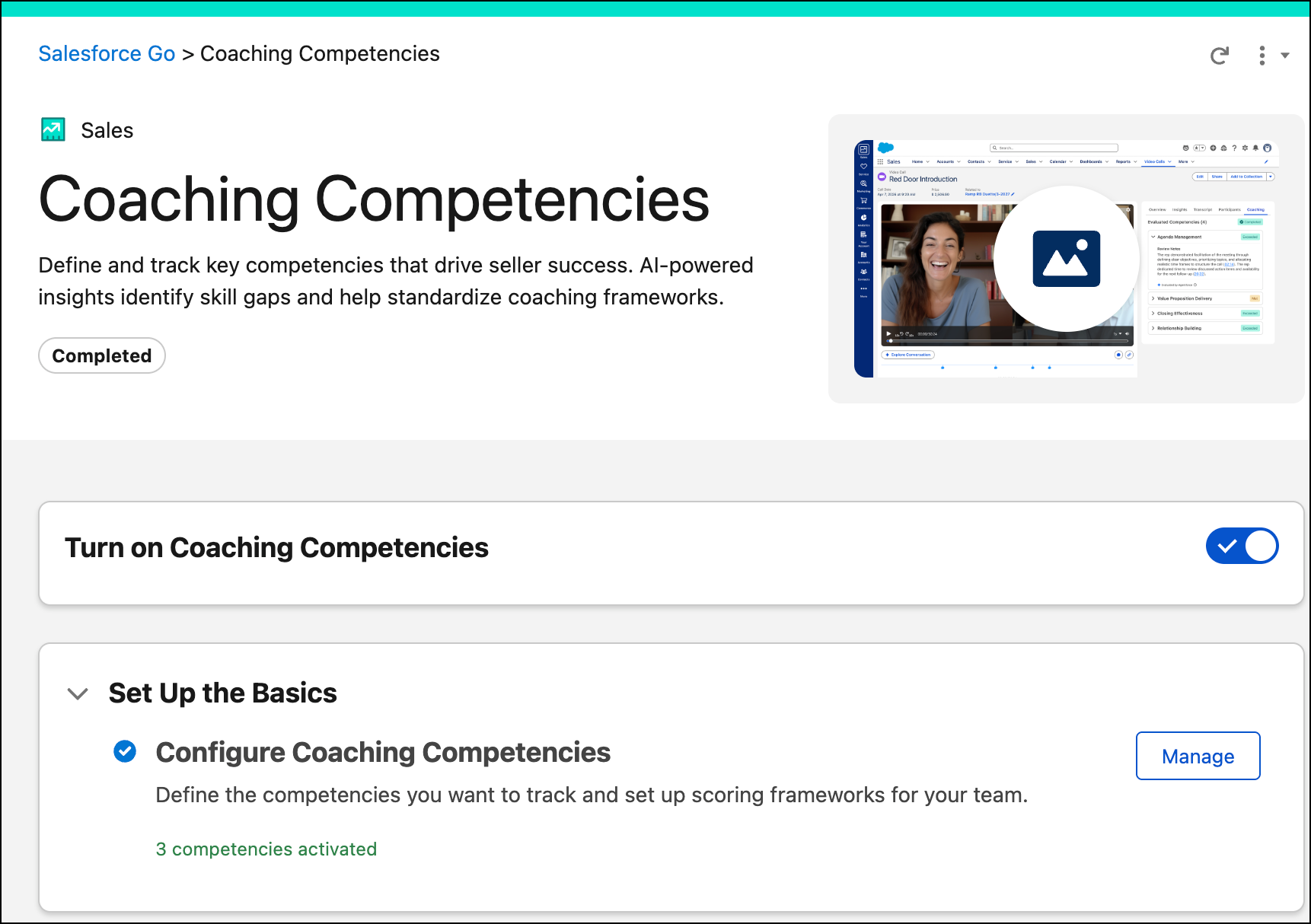
Make sure the Call Coaching feature is on and Call Competencies are configured prior to using them.
Score Video Calls with an AI Agent
If you have Agentforce for Sales and Call Coaching enabled, video calls are automatically evaluated by an AI agent.
Create Scores Manually from Video Call Record Pages
- Navigate to a video call record page.
- Select score and add your feedback.
- Repeat scoring for all competencies.
- Click Submit.