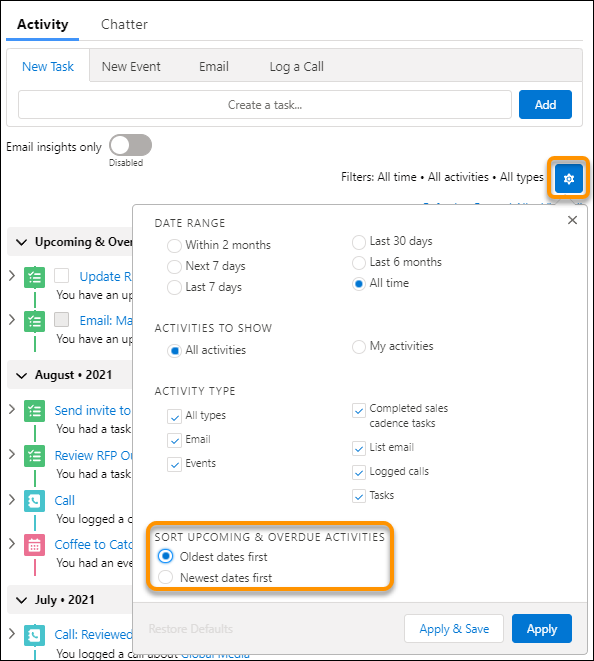
When you sort a list of upcoming and overdue activities, the sort order is up to your
preference.
Required Editions
| Available in Lightning Experience in: Essentials, Professional,
Enterprise, Performance, Unlimited, and Developer
Editions
|
To change your sort order in the activity timeline, click the gear icon, and then select your
preferred sort order in the Sort Upcoming and Overdue Activities section. Then click
Apply. Or, to change your default sort order, click Apply
& Save.
Newest dates first is the default sort order.