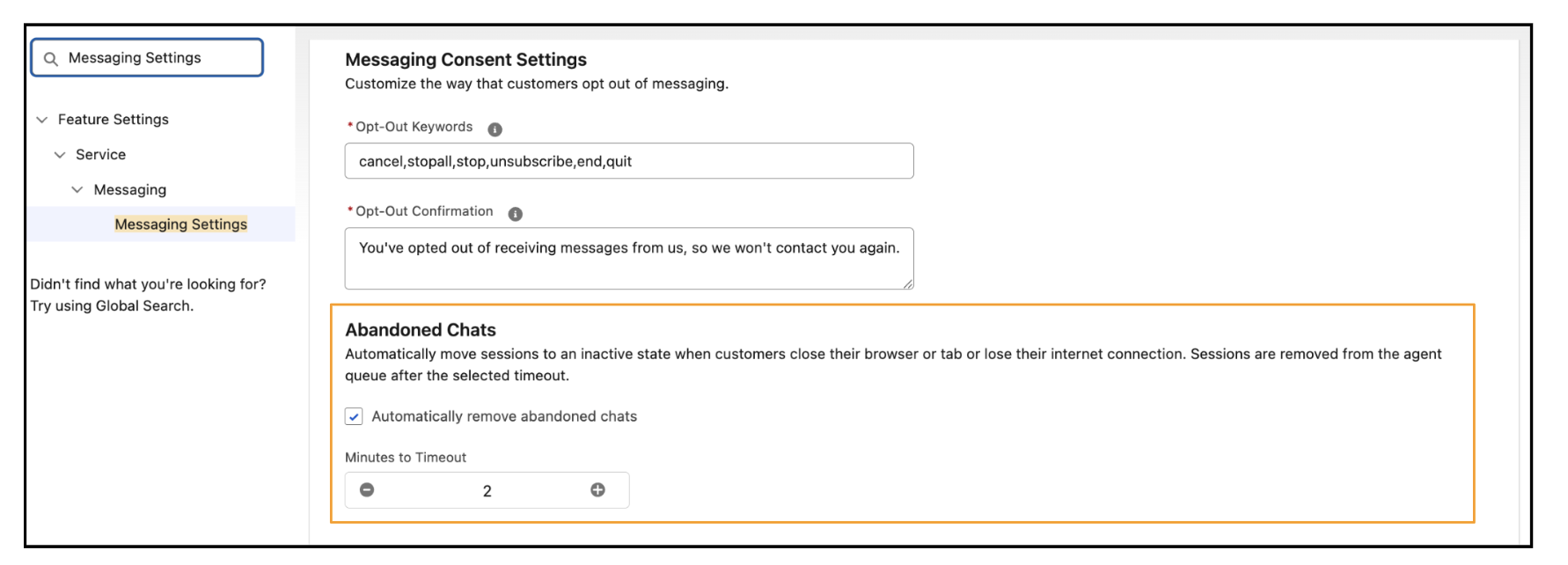
Configure a timeout for conversations that customers abandon by closing their browser or tab, navigating away from the page, or losing their connection. Abandoned messaging sessions are marked inactive and removed from agent queues, helping service reps focus on active customer conversations.
Where: This change applies to Enhanced In-App Chat and Web channels. View required editions
How: From Messaging Settings, edit your messaging channel and, in the Abandoned Chats section, select Automatically remove abandoned chats and specify a timeout value. Then, in Embedded Service Deployment Settings, click Publish to apply the changes.