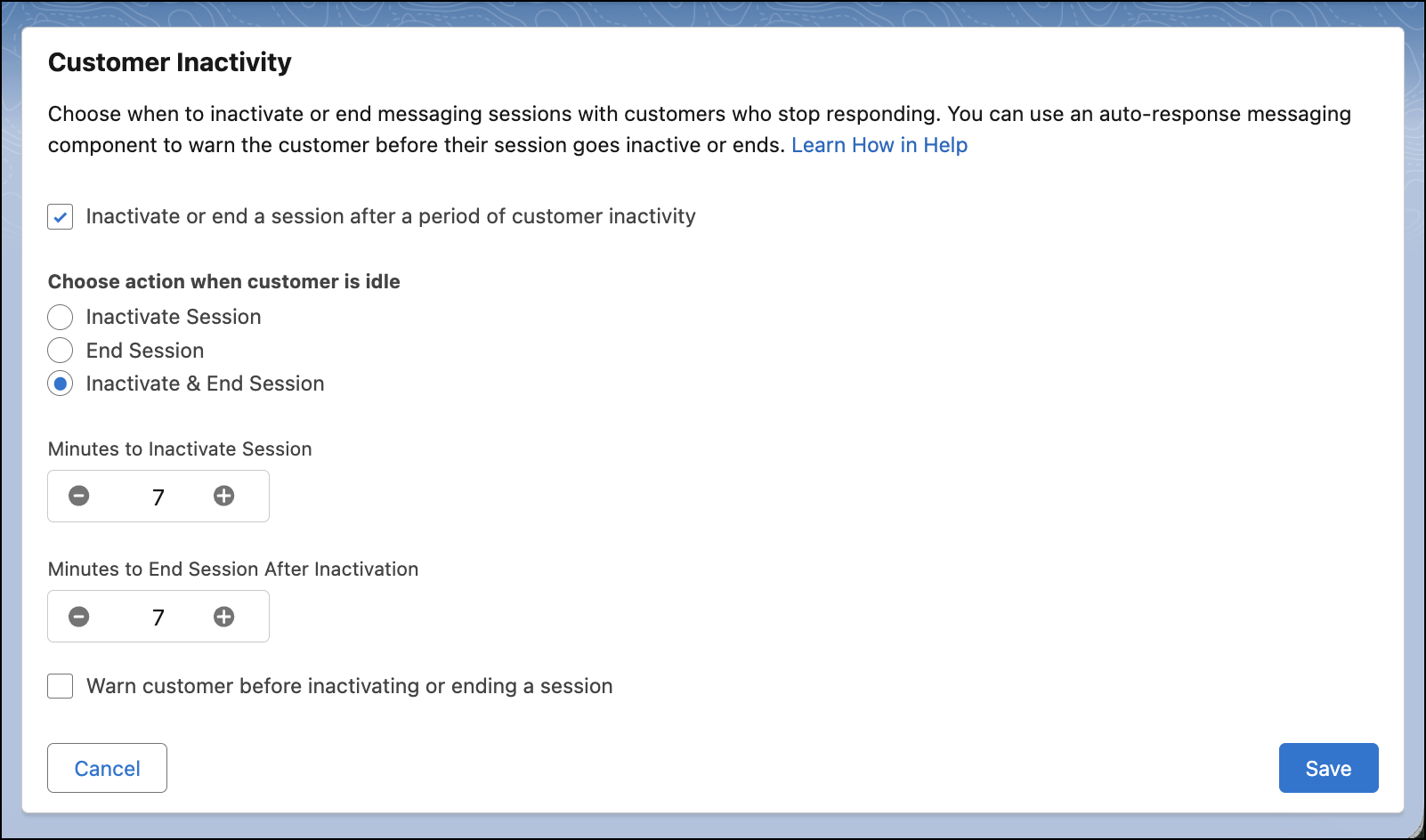
You asked, we listened. Admins can configure an inactivity timer that automatically inactivates, and then ends messaging conversations in session-based Enhanced Chat. Previously, the Inactivate & End Session option was only closing sessions, resulting in a new session being attached to an old conversation.
Where: This change applies to session-based Enhanced Chat channels. View required editions.
When: This change goes live on July 13, 2026.
How: To inactivate and end sessions with an automated inactivity timer in session-based Enhanced Chat:
Open the Messaging Settings node in Setup, and then open an Enhanced Chat channel. Click to edit the Customer Inactivity section, and select Inactivate & End Session. Set custom timers for time until a session reaches Inactive and Ended statuses. Once the session ends, the conversation also ends in session-based Enhanced Chat.