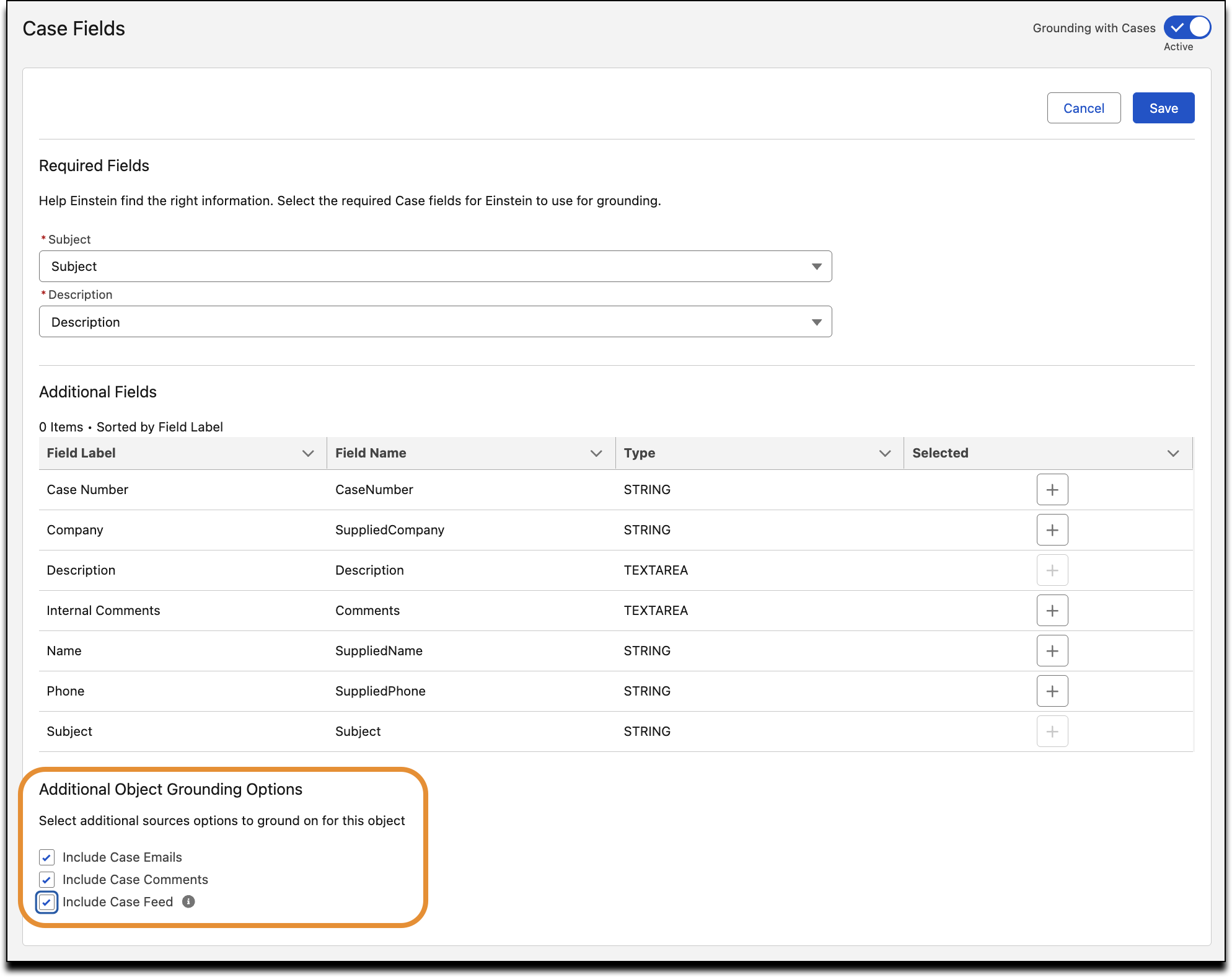
Adding Case Feed data to Service Assistant improves the accuracy and relevance of Service Plans. This richer, more contextual case activity enables the assistant to deliver more informed, relevant recommendations.
Where: This change applies to Lightning Experience in Enterprise, Unlimited, and Developer editions with Einstein for Service, Agentforce for Service, and Agentforce 1 editions.
When: This feature is part of the Spring '26 release.
Who:
- To enable case feed grounding for Service Assistant, Salesforce admins need the Service Planner Builder permission set.
- To draft service plans with information from Case Feed, service reps need the Service Planner User permission set.
- To include Case Feed data in case summaries and drafted service plans, the ServicePlanner User (agent user) requires access to the case feed.
How: From Setup, in the Quick Find box, enter and select Service AI Grounding. On the Service AI Grounding Setup page, under Additional Object Grounding Options, select Include Case Feed and save your changes.