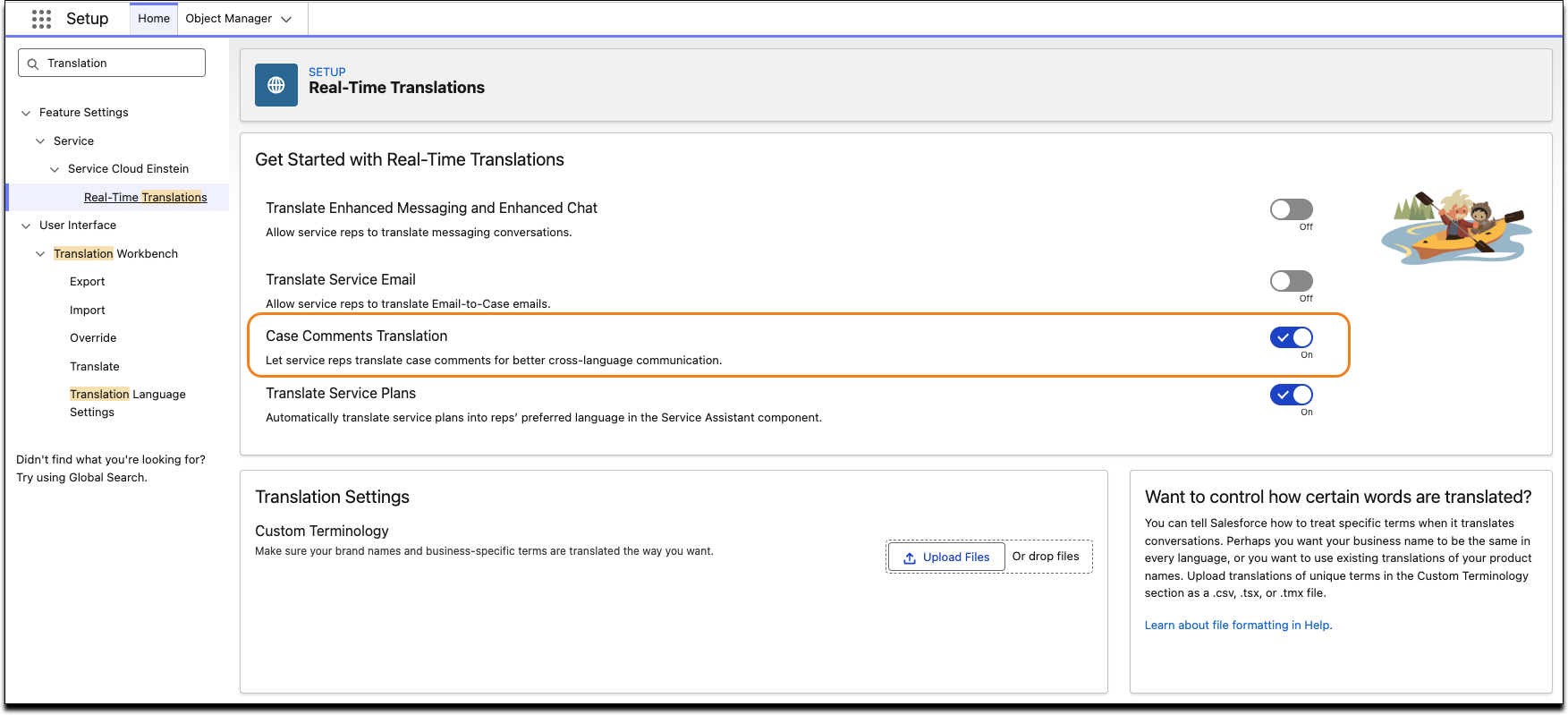
Give your support reps the ability to translate case comments into their local language and write responses that translate to the customer’s language. The translation feature adds a translation button to case comments. Reps can select a language for translation when creating a comment.
Where: This change applies to Lightning Experience in Essentials, Group, Professional, Enterprise, Performance, Unlimited, and Developer editions where Service Cloud Translations is enabled.
Why: Translation in case comments provides reps immediate context for the case without requiring external translation tools. Reps can effectively reply to customers in their local language. This functionality reduces effort and improves communication for reps.
How: From Setup, in the Quick Find box, enter Real Time Translations, and then select Real Time Translations. Turn on Case Comments Translation.