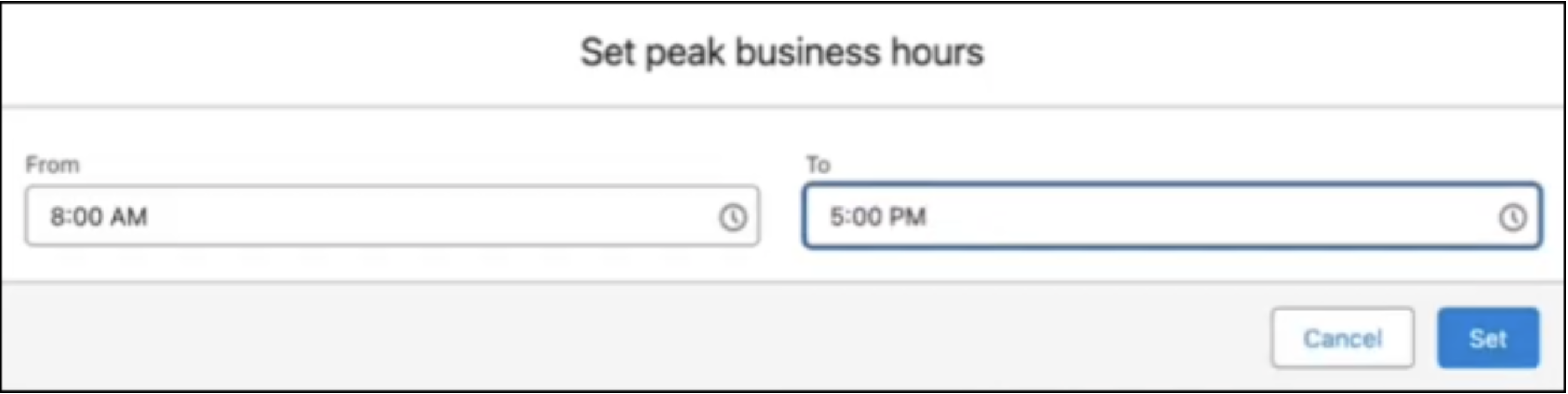
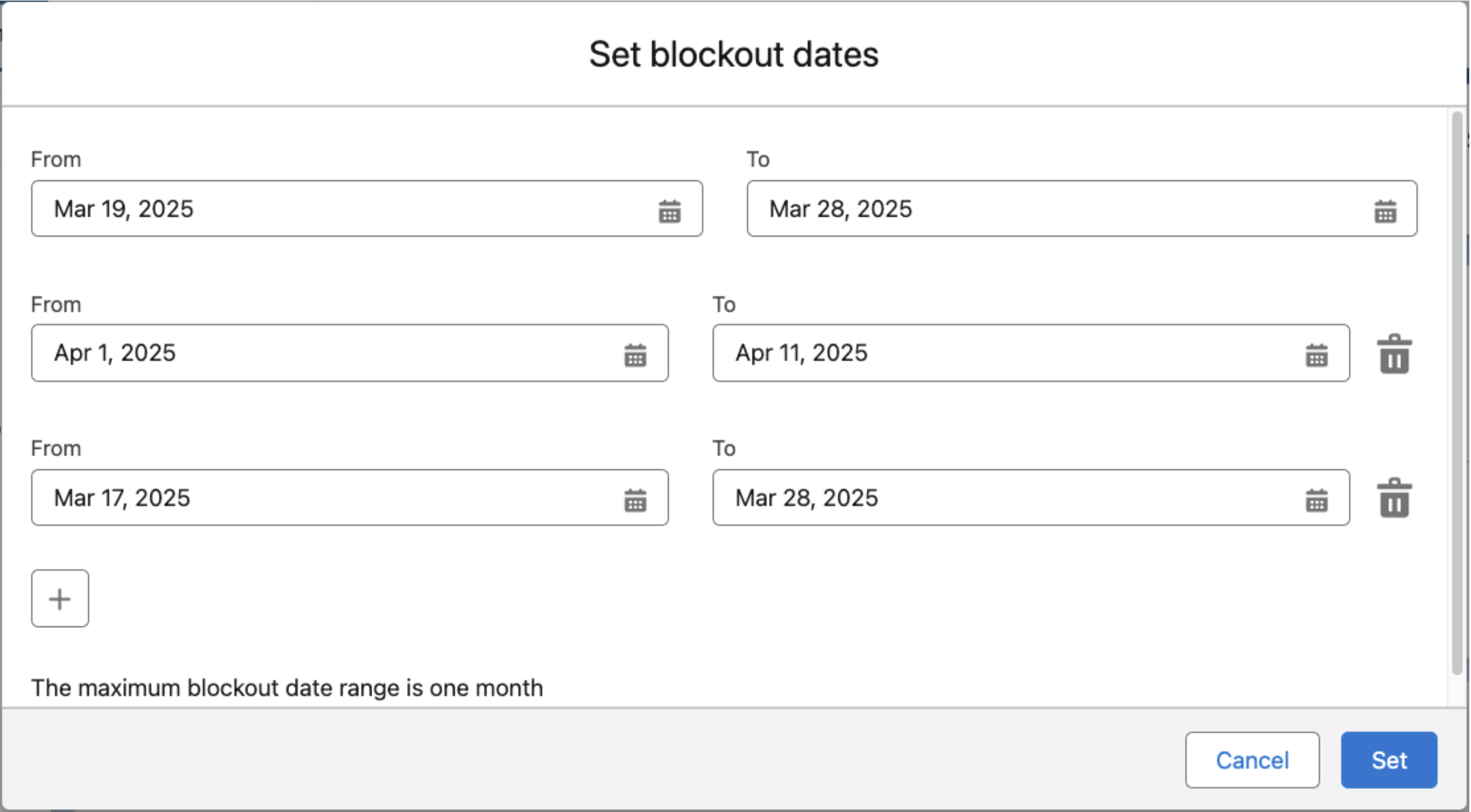
After you enable the feature, you can specify blockout hours and blockout dates. You can
set hours, dates, or both. You can change these settings or opt out at any time.
Required Editions
| Available in: Lightning Experience |
| Available in: Enterprise, Performance,
and Unlimited Editions |
For example, to view contracts, a user needs the Read permission on contracts. To assign a
given permission to a user, that user’s license (or licenses) must support the permission.
Multiple licenses can support a single permission.
-
Next to Blockout Hours, click Edit, and then enter a time range. The
maximum range for blockout hours is 12 hours.
-
Click Set.
-
Next to Blockout Dates, click Edit, and then enter a date range. You
can block out up to 30 consecutive days at a time and up to four windows within a calendar
year.