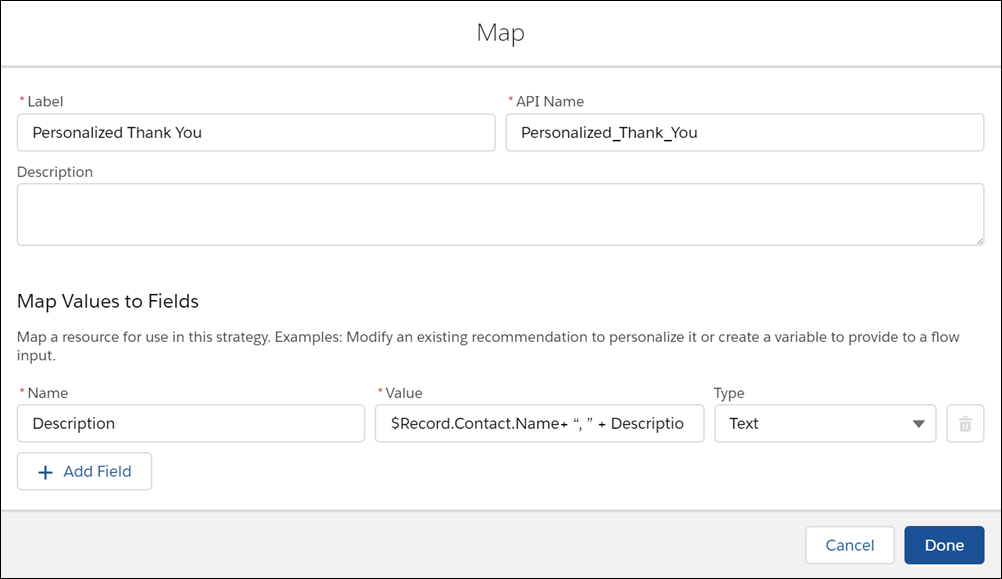
The Map element creates Recommendation fields and modifies
existing fields using formulas instead of Apex code. Use it to pass data from a Recommendation
field with one name to a flow input with a different name, or to personalize Description, Name,
and other fields with context-specific data.
Required Editions
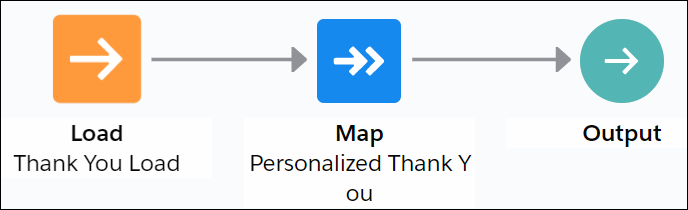
If you load an object other than Recommendation, add a Map element after the Load element and
before the Output element in your strategy. Use the Map element to map fields from the records
to required fields on the Recommendation object. For example, map the product Title field to the
recommendation Name field. Mapping fields converts the filtered records into recommendations
that are surfaced via the Next Best Action component and your own apps.