Add capabilities to agents with customizable actions configured via External Services.
Use External Services to declaratively connect your Salesforce org to an external API. After you
register an OpenAPI schema, the actions defined in that schema become automatically available as
custom agent actions.
Required Editions
| Available in: Lightning Experience |
| Available in: Enterprise, Performance, Unlimited, and
Developer Editions
|
-
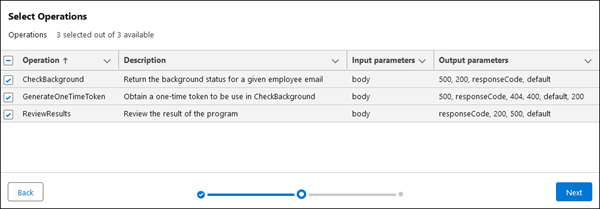
Register an external service.
-
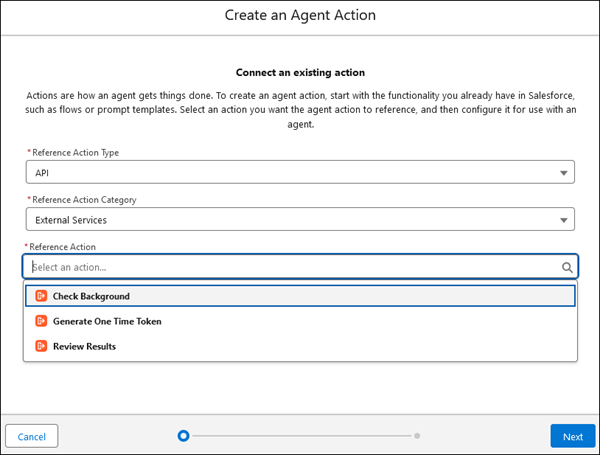
Create an Agent Action.
When you create the agent action, you select
External
Services for the External Action Category. The external service operations
are available in the Reference Action field.
-
Associate the action with a topic