An event relay is a set of event configurations and a connection to a partner event source in Amazon EvenBridge. An event relay streams events from the Salesforce event bus to EventBridge. You can create an event relay in Setup.
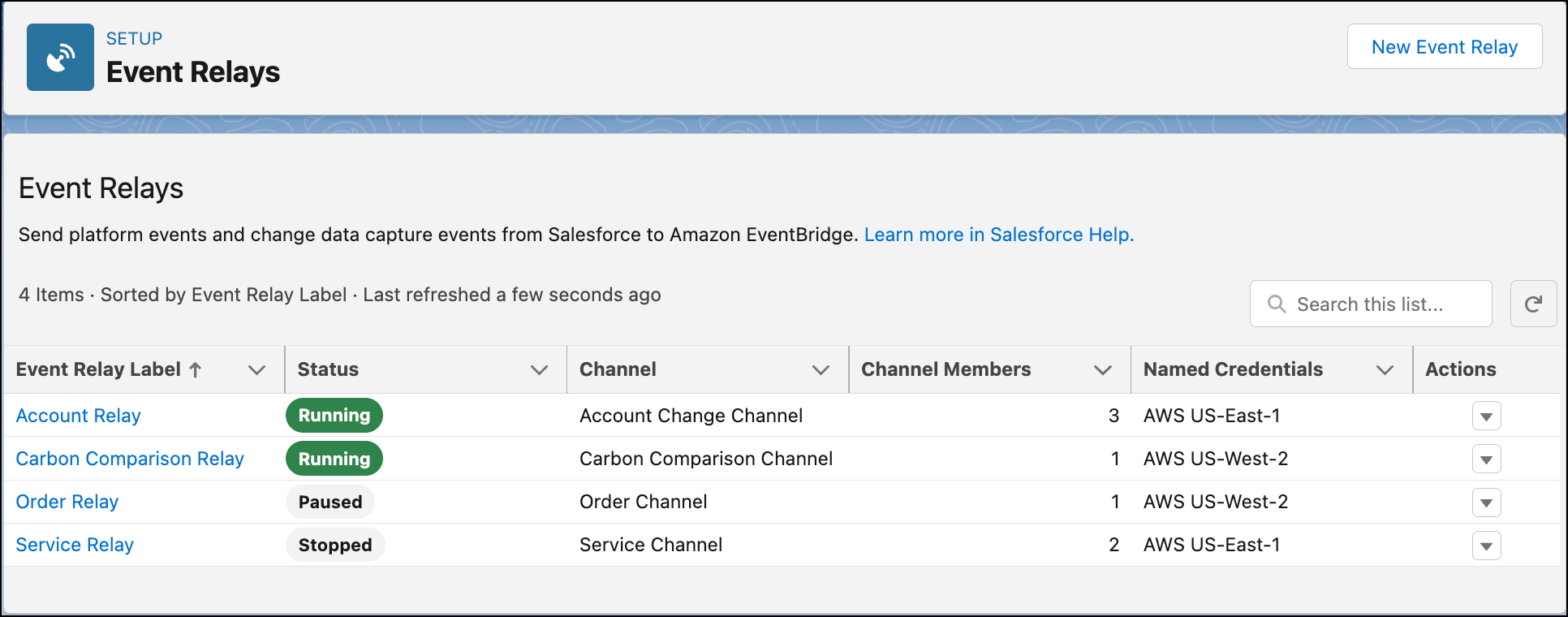
This image shows a list of event relays set up for various event channels, in Setup, in the Event Relays page.
Event Relay Components
An event relay includes your AWS account information and a Salesforce event channel that you set up. The event relay status indicates whether the relay is running or is in another state (1). The event channel is the stream of events in the Salesforce event bus to be relayed to EventBridge (2). An event channel contains members for the events to stream. The number of members a channel contains is shown in the event relays list (3). A named credential contains your AWS account and AWS region information where to relay the events (4). After you create an event relay, Salesforce creates a corresponding partner event source in EventBridge.

Monitor the Event Relay Execution in Setup
Check your event relay's execution status, the date, and time of the last relayed event, and any error message.
To view the status of all the event relays, check the Status column in the Event Relays page.
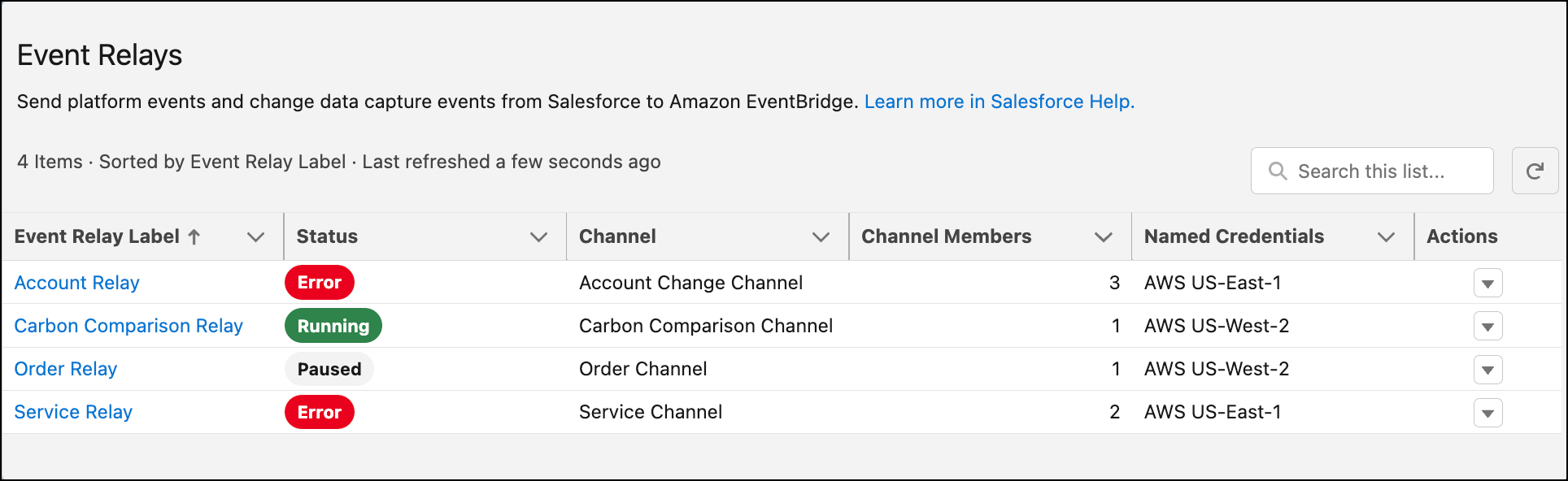
If the status is Error, you can view the error message on the event relay detail page by clicking the event relay.
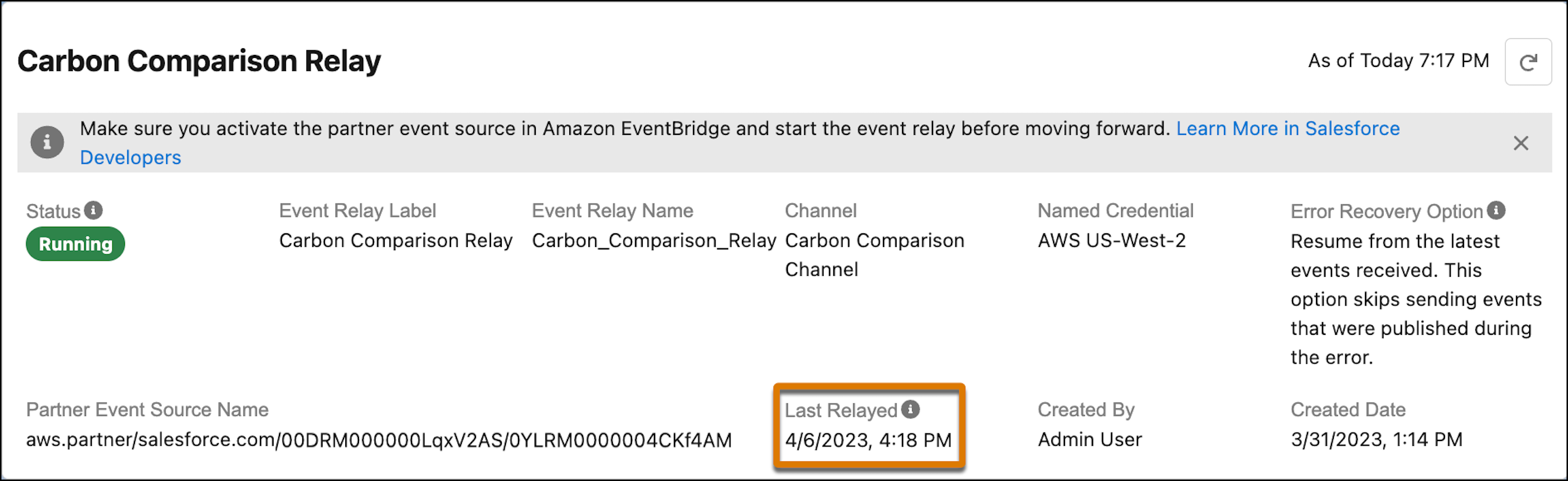
To get the timestamp of the last event relayed to Amazon EventBridge, click the event relay and check out the Last Relayed field.