
Change the event relay state in the Edit window.
Required Editions
| User Permissions Needed | |
|---|---|
| To create an event relay: | Customize Application |
-
Start the event relay either from the event relays page or the event relay
detail page.
- In the Event Relays page, click the dropdown under the Actions column, and select Edit.
- In the Event relay detail page, click Edit.
-
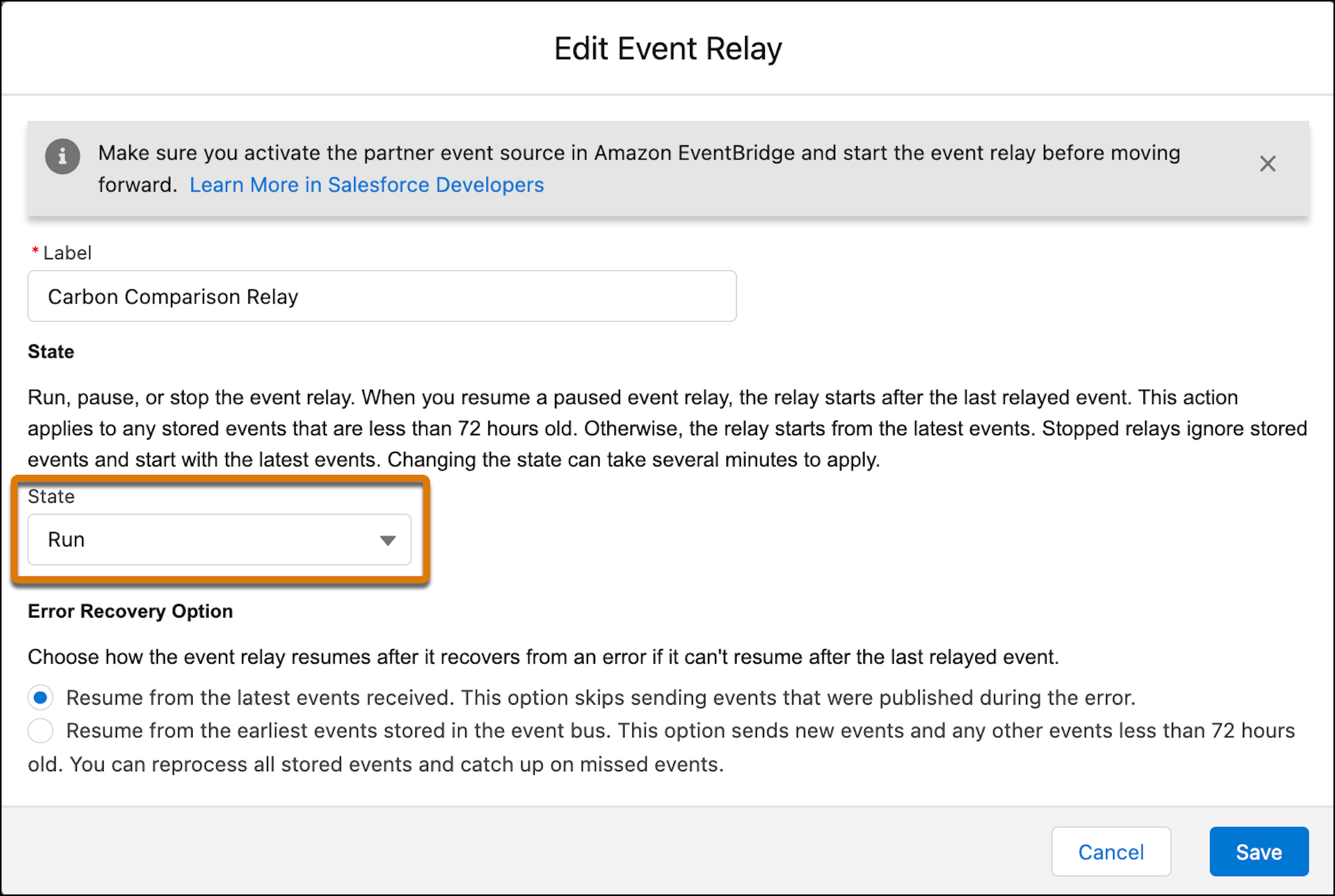
In the Edit window, in the State dropdown, select
Run.
- Save your changes.