
An event relay associates the channel in the Salesforce event bus with Amazon EventBridge using a named credential. The creation of the event relay results in a partner event source being created in Amazon EventBridge. The partner event source is created with a pending status.
Required Editions
| User Permissions Needed | |
|---|---|
| To create an event relay: | Customize Application |
- From Setup, in the Quick Find box, enter Event Relays, and then select Event Relays.
-
In the Event Relays page, click New Event Relay. Use the
event relay creation wizard and provide the requested information in each
step.

-
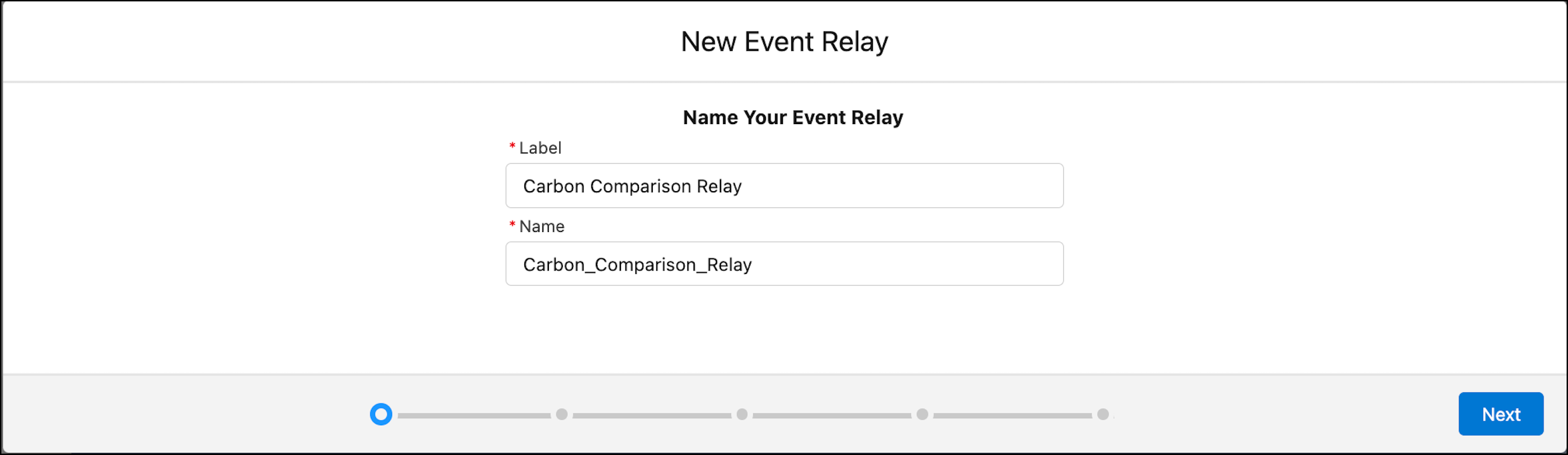
Enter a label for the event relay, for example, Carbon Comparison
Relay. The label appears in the event relays list view and the
event relay detail page. Make sure you choose a meaningful name and try to make
it unique. The name is auto populated based on the label that you provide.
-
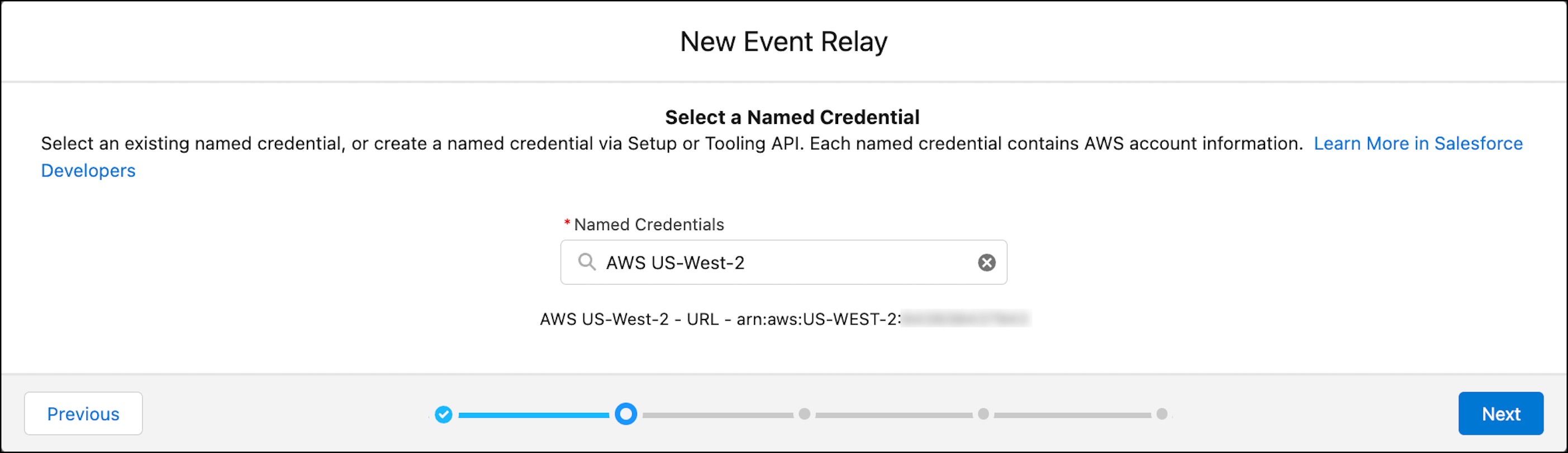
Select a named credential that contains your AWS account information from the
dropdown. To create a named credential, see Create a Named Credential for Event Relay Setup.
-
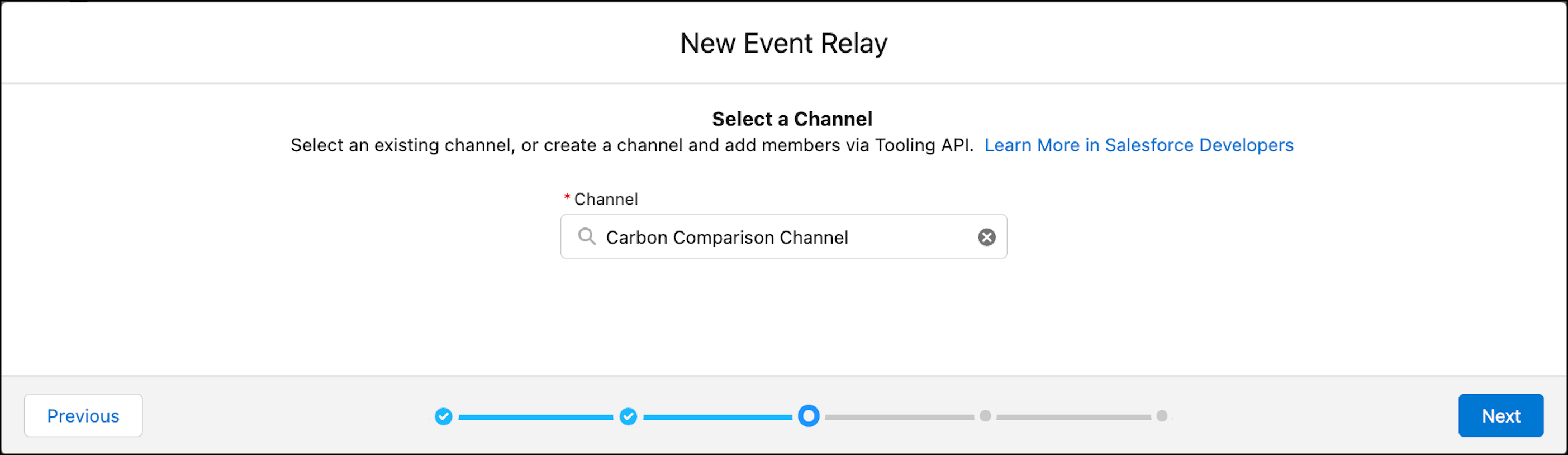
Select a channel that references the events that you want to send to
EventBridge from the dropdown. To create a channel, see Create a Channel and Channel Members.
-
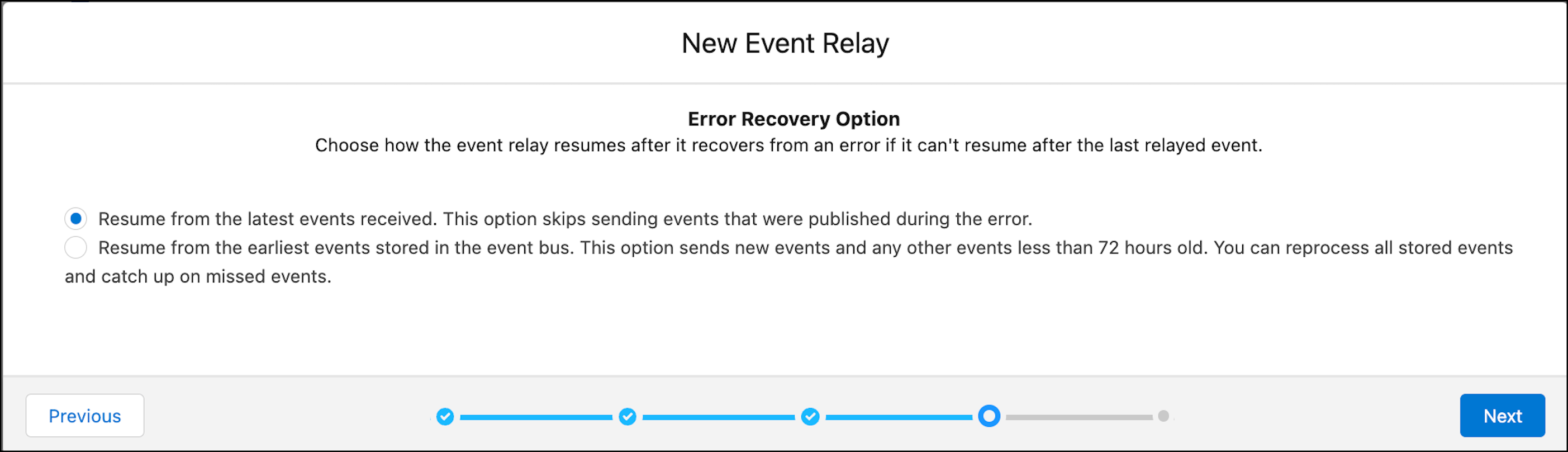
Select an error recovery option. This option is used when the system can't
resume from the last relayed event after it recovers from an error. You can keep
the default.
-
Review the summary screen, and save your changes to create the event
relay.
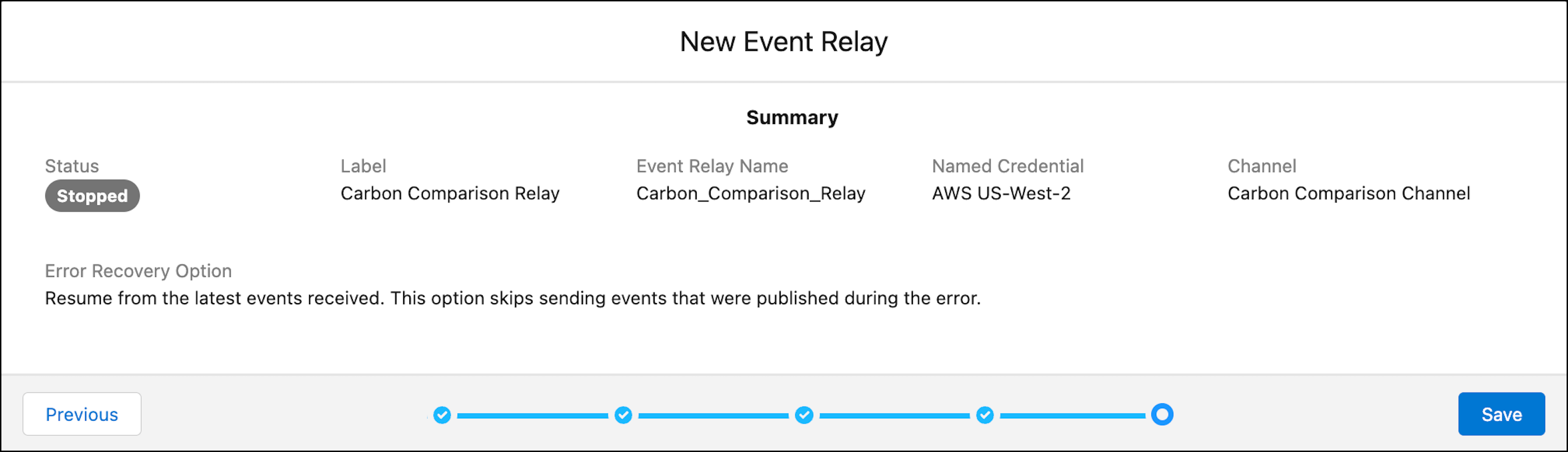
After you create the event relay, the event relay detail page contains the Partner Event Source Name field. This field is populated after a short delay with the name of the partner event source that’s created in Amazon EventBridge. Wait and then refresh the detail page to get the partner event source. You use this field value in the next step to find the partner event source in Amazon EventBridge.
The event relay is created in a stopped state, and no events are relayed to Amazon EventBridge. Before starting the event relay, activate the partner event source in Amazon EventBridge. You perform these steps next.