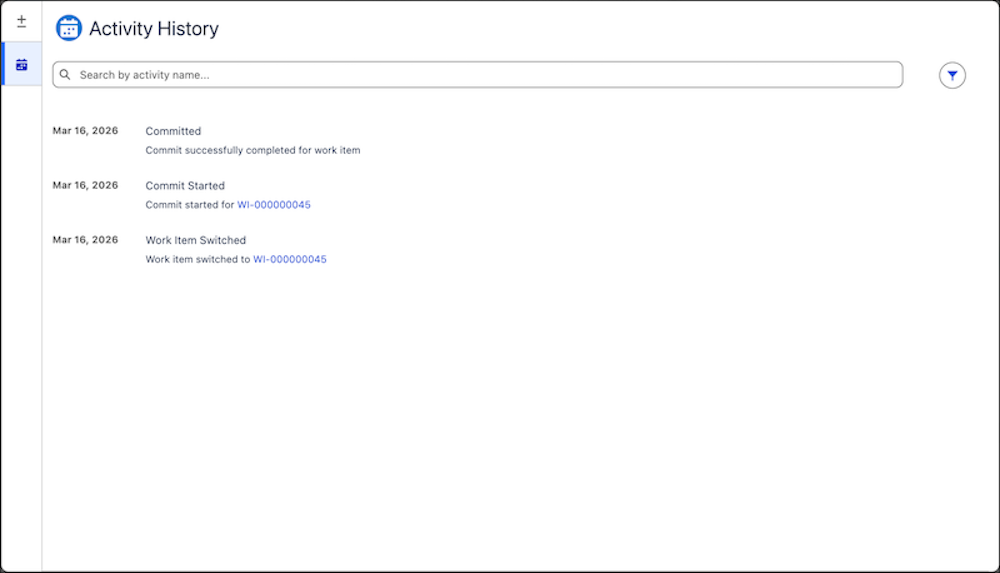
View a chronological timeline of key events in your org, such as commits, deployments,
and reviews. Use the Activity History tab in DX Inspector to audit activity and troubleshoot
errors.
Required Editions
| Available in: Lightning Experience |
| Available in: Professional, Enterprise, Performance,
Unlimited, and Developer Editions
|
DX Inspector records key activity in your development environment. Use the Activity History
tab as a centralized audit trail to see who performed an action, when it happened, and the
outcome.
For failed events, the tab provides error messages and log details to help you identify and fix issues, such as commit or deployment failures.