
During pipeline configuration, your project manager can define a stage as the bundling stage. Instead of selecting individual work items to promote, you promote work items in this stage as a work item bundle. All unpromoted work items in this stage become part of the bundle.
- In the Pipeline view, in the bundling stage, click Promote as Work Item
Bundle.
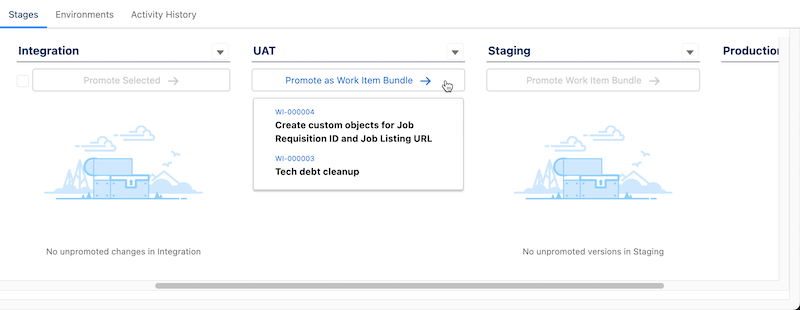
- If you haven’t logged in to the environment for the next pipeline stage from within DevOps Center, complete the login process, then click Promote as Work Item Bundle.
- In the Promotion Options dialog, select Promote Now, the changes to
promote, and which Apex tests to run.
Indicate the Version as an alphanumeric string of your choice. To perform a validate-only deployment, see Run a Validate-Only Deployment.
- Select which changes to promote and which Apex tests to run.
- Click Promote.
The work item bundle is created with the version you specified, then merged and deployed to the environment associated with the next stage.