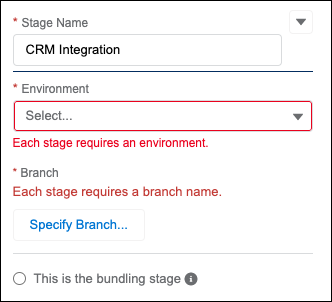
A pipeline is ready for your team to use after you activate it.
Here’s some important information about pipeline activation:
- You and your team can create work items after a pipeline is activated.
- You can’t inactivate a pipeline after changes have been promoted through it.
- You can edit only inactive pipelines. If you haven’t yet promoted changes, you can deactivate it, make the changes, and then reactivate it.
- You can remove pipeline environments only if the pipeline is inactive.
You can activate the pipeline if the status is Ready to
activate. If there are validation errors with the pipeline, a Not Ready warning appears next to the Activate button with a link
to see the errors to resolve.
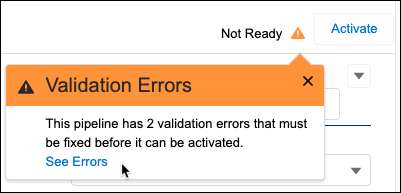
The errors appear in context, so you know exactly what to address.