
Create a project to serve as the central workspace for your team’s change management collaboration.
Required Editions
| Available in: Lightning Experience in Professional (API access required), Enterprise, Performance, Unlimited, and Developer Editions |
| Not Available in: Government Cloud Plus. Contact your Salesforce account executive for more details. |
| Not available in: EU Operating Zone. EU Operating zone is a special paid offering that provides an enhanced level of data residency commitment. Lifecycle Center is supported in orgs in the EU that aren’t part of EU OZ, per standard product terms and conditions. |
| User Permissions Needed | |
|---|---|
| To create a project: | Lifecycle Center Admin |
A Lifecycle Center project is the primary workspace where your team collaborates to manage changes for an app or customization. Each project is associated with a single pipeline.
-
From the Projects tab, click New.
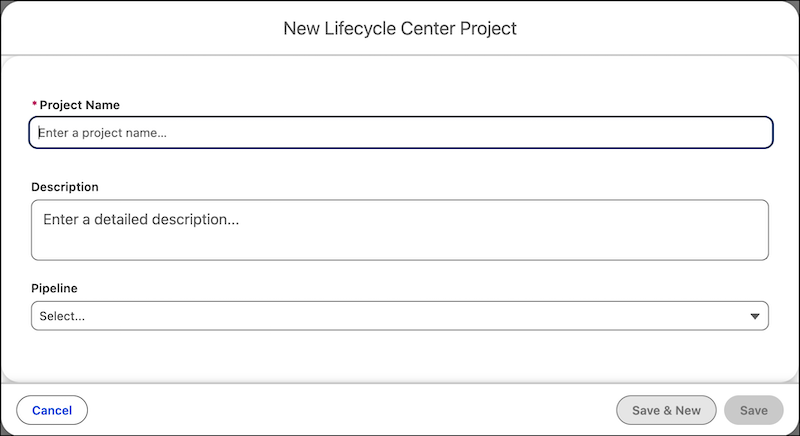
- Enter a unique name and a description to identify the purpose of the project.
-
Select a pipeline to associate with this project.
 Note If you haven’t created and activated a pipeline yet, you can do so later. See Build Your Pipeline.
 - Save your project.