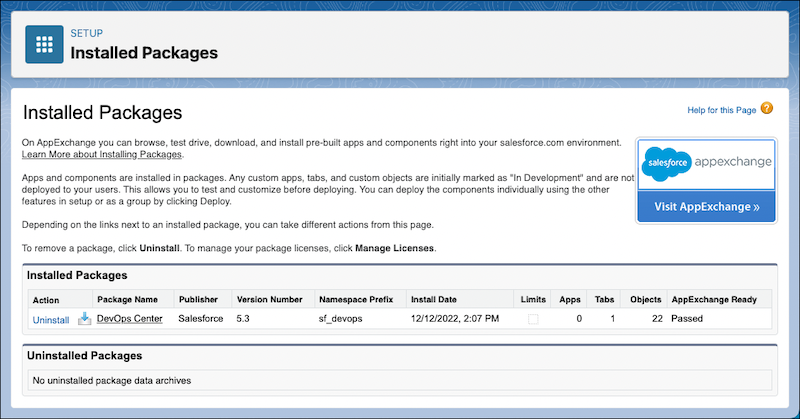
When installation is complete, you receive a confirmation email. You can confirm the installation on the Installed Packages Setup page.

Important Starting in April 2026, new downloads and installations of the DevOps
Center managed package are no longer supported. If you previously installed it, you can
continue using it and access it from the App Launcher. We recommend enabling and setting up
Lifecycle Center, which provides agentic experience and enhanced workflows to streamline
change and release management. See Set up Next Generation DevOps Center.
From Setup, enter Installed Packages in the Quick Find box, then select Installed Packages. You see an entry for DevOps Center that looks something like this. If you get the message that the app is taking a long time to install, you get automatically redirected to this page after you click Done.