
A branch is a local copy of your project where you can make changes without affecting anyone else’s work.
Required Editions
| Available in: Lightning Experience in Professional (API access required), Enterprise, Performance, Unlimited, and Developer Editions |
| Available in: Government Cloud Plus as interoperable. Turning on DevOps Center (Managed Package) in Government Cloud Plus orgs can send data outside the authorization boundary. Contact your Salesforce account executive for more details. Lifecycle Center is not available in Government Cloud Plus. |
| Not available in: EU Operating Zone. EU Operating zone is a special paid offering that provides an enhanced level of data residency commitment. Lifecycle Center is supported in orgs in the EU that aren’t part of EU OZ, per standard product terms and conditions. |
Each pipeline stage has a branch in your source control repository. The first stage branch,
such as Integration, contains approved changes that are ready to be moved to the next stage.
Your feature branch contains the changes for one work item. For example,
feature/WI-000042.
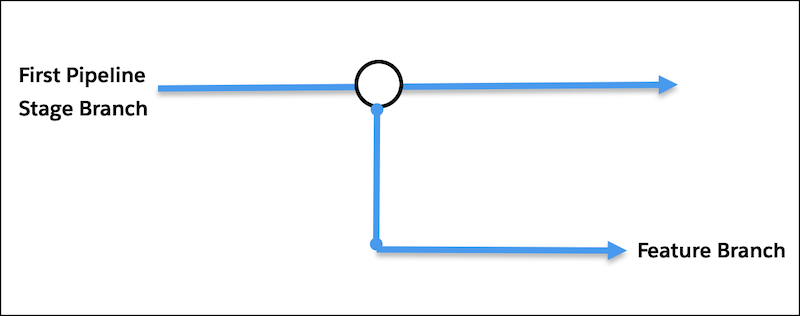
When you select an environment for a work item in Lifecycle Center, it automatically creates a feature branch for that work item from the first stage branch in your pipeline. Your changes stay in that branch until your team reviews and approves them. After approval, Lifecycle Center merges your branch back into the first stage branch. As changes are promoted, Lifecycle Center merges changes into branches for later pipeline stages.
Branch Lifecycle
Step 1: Lifecycle Center creates a branch for your work item from the first pipeline stage branch, such as Integration.
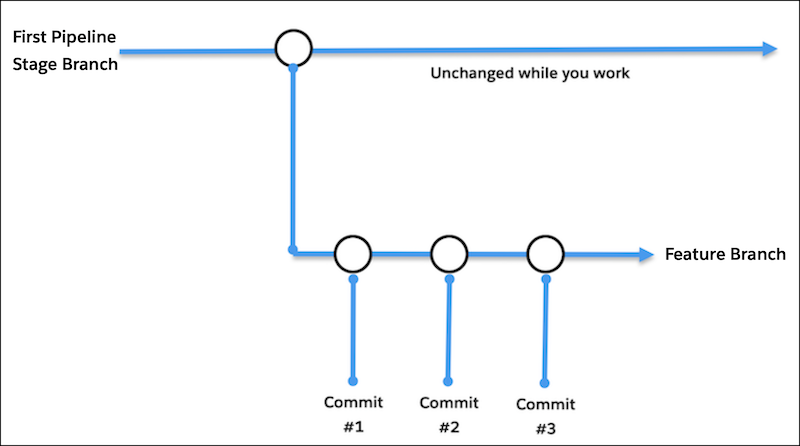
Step 2: You work in the development environment and commit changes to the feature branch.
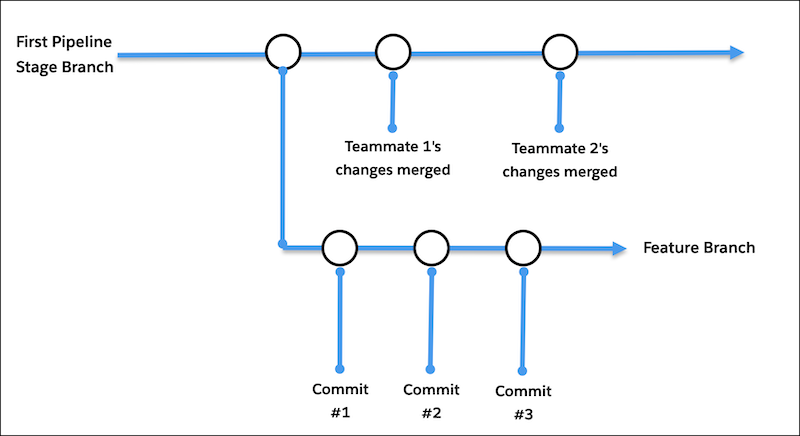
Step 3: Your team works in parallel on other work items in their own branches.
Step 4: Create a Pull Request (PR), review, and approve the changes.
Step 5: Lifecycle Center merges your branch into the first pipeline stage branch.
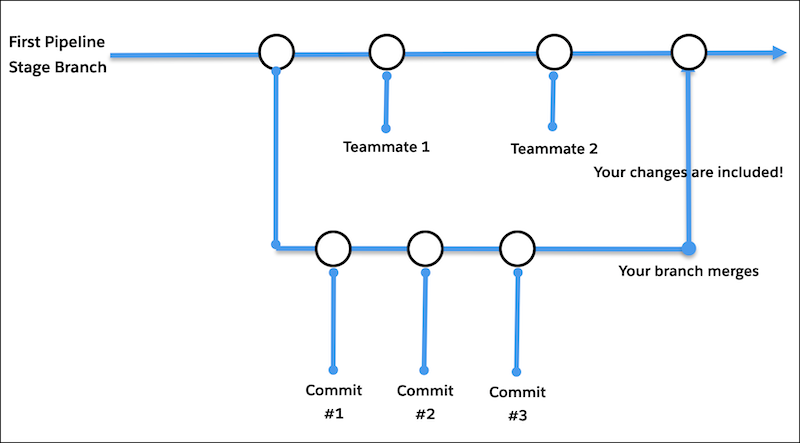
Step 6: Branch merge is complete.
Your branch merge with the first pipeline stage branch is complete, and your changes live in the first pipeline stage branch. Lifecycle Center deletes your working branch.