
The index defines the composite primary key for a custom big object and is used for querying and filtering the big object data. Each big object requires an index.
To create an index, you must have at least one required custom field defined on the big object. See Considerations When Creating an Index for more details.
- From the Index section of a big object detail page, click New. This button displays only if the big object has at least one required custom field.
-
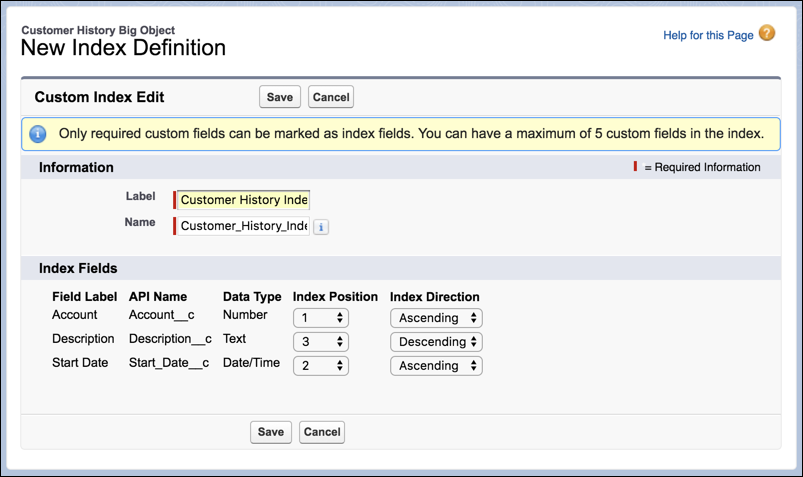
Add a Label and Name for the index.
 Warning When querying a big object record via SOQL and passing the results as arguments to the delete API, if any index field name has a leading or trailing white space, you can't delete the big object record.
 -
For each custom field listed, set the Index Position and Index Direction. The order in
which you define the fields determines the order that they’re listed in the index. Set the
Index Position to 1 for the most frequently used filter parameter.
- Save the index.