
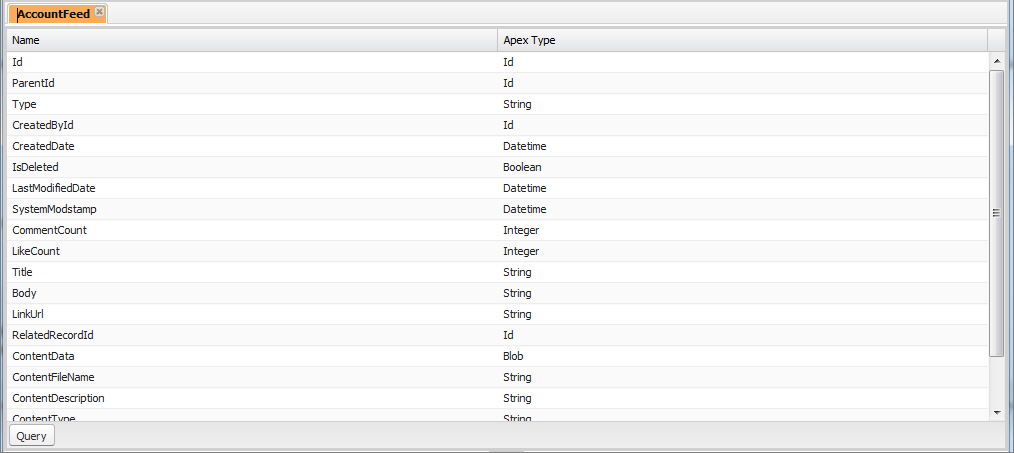
The Object Inspector provides a read-only reference for the fields of a standard or custom object, and their data types. To open the Object Inspector, click and select the object you want to view.
To search for objects that meet specific criteria, use the Developer Console Query Editor.

Note You can't modify custom objects in the Developer Console. Create, edit, or delete
custom objects from Setup.