Salesforce admins, Enablement admins, and all Starter Edition users have access to
guidance sets in the Guidance Center. Guidance sets offer personalized setup and learning
resources that align with your experience level and the products you’re using. Each guidance
set includes suggested resources to help you successfully complete your job.
Required Editions
| Available in: Lightning Experience |
| Available in: Starter, Professional,
Enterprise, Performance, Unlimited, and
Developer Editions
|
-
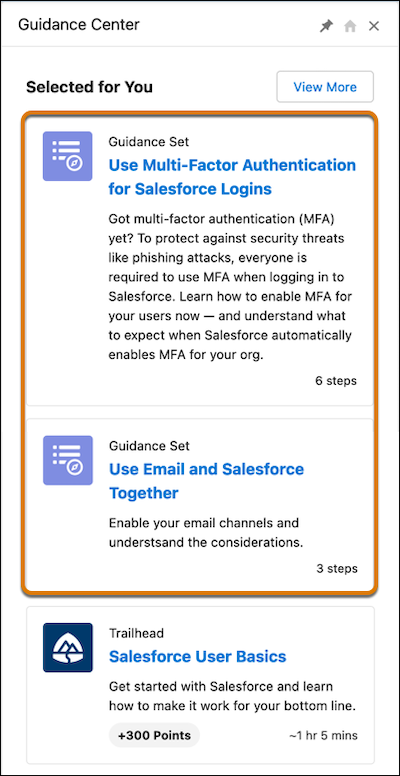
Open the Guidance Center.
The Selected for You section shows up to two guidance sets.
-
To find all available guidance sets, click View
More.
As you open resources and complete steps in a guidance set, they’re marked as
completed.