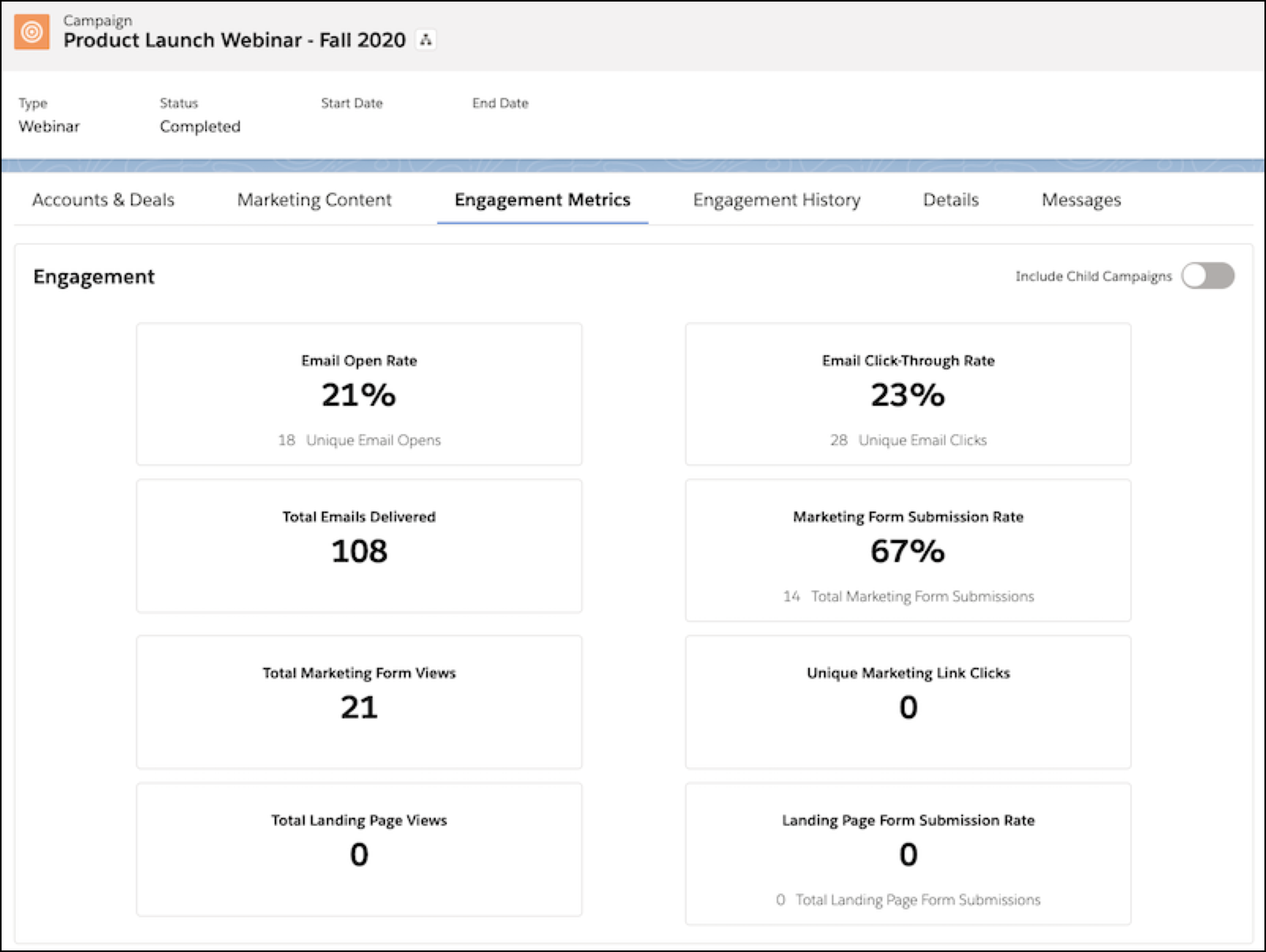
Add the Engagement History Metrics Lightning component to your campaign records to show
high-level metrics associated with the marketing assets in your connected campaigns.
Required Editions
|
Available in: Salesforce Professional, Enterprise,
Performance, and Unlimited Editions with All Account
Engagement Editions
|
What’s Included?
- Engagement metrics from all asset types, via Salesforce connected campaign records
- Automated email metrics from after December 14, 2018
To add this component, open the Lightning App Builder and look in the Standard
components list. Select and drag the Engagement Metrics component into a tab on your page
layout.