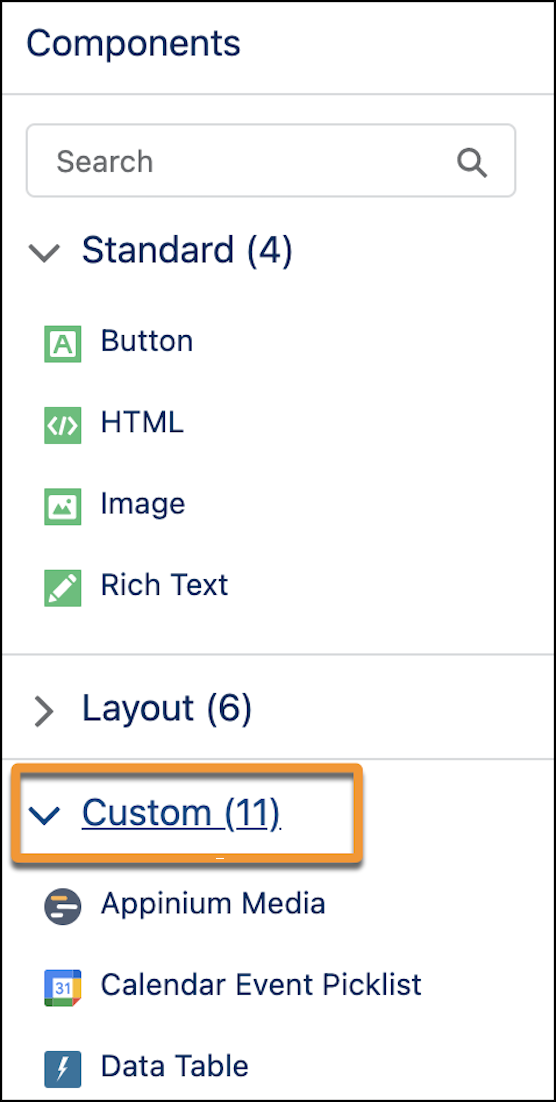
Marketers can use custom components to enhance their email templates and content by
bringing in information and assets, such as surveys or event details, from third parties. Partners
or developers can create custom components. Admins install custom components from an unmanaged
package or via AppExchange. After a component is installed, a user can choose it when they build
email content.
Required Editions
| Available in: any
Account Engagement Edition with Salesforce Essentials, Professional, Enterprise,
Performance, and Unlimited Editions
|
| Available in Account Engagement Lightning App only |
| User Permissions Needed |
| To install a package: |
Download AppExchange Package |
| To add a custom component to email template or email content: |
Access Drag and Drop Content Builder
and
View Setup and Configuration
|
Anyone with email editing access can edit an email that contains a custom component, even if
they don’t have permissions to add or change the component.
-
Open an email content record.
-
Click Edit in Builder.
-
From the left rail, drag a component from the Custom section.