
The classic landing page experience uses HTML and WYSIWYG editors.
Required Editions
| Available in: All Account Engagement Editions |

Note For a drag-and-drop experience, try enhanced landing pages in Account Engagement Lightning
App: Enhanced Landing Page Experience
To find classic landing pages in Account Engagement Lightning App, click the Content tab, and then select Landing Pages. In the standalone app, classic landing pages are in the Marketing section.
- Layout Templates for Landing Pages
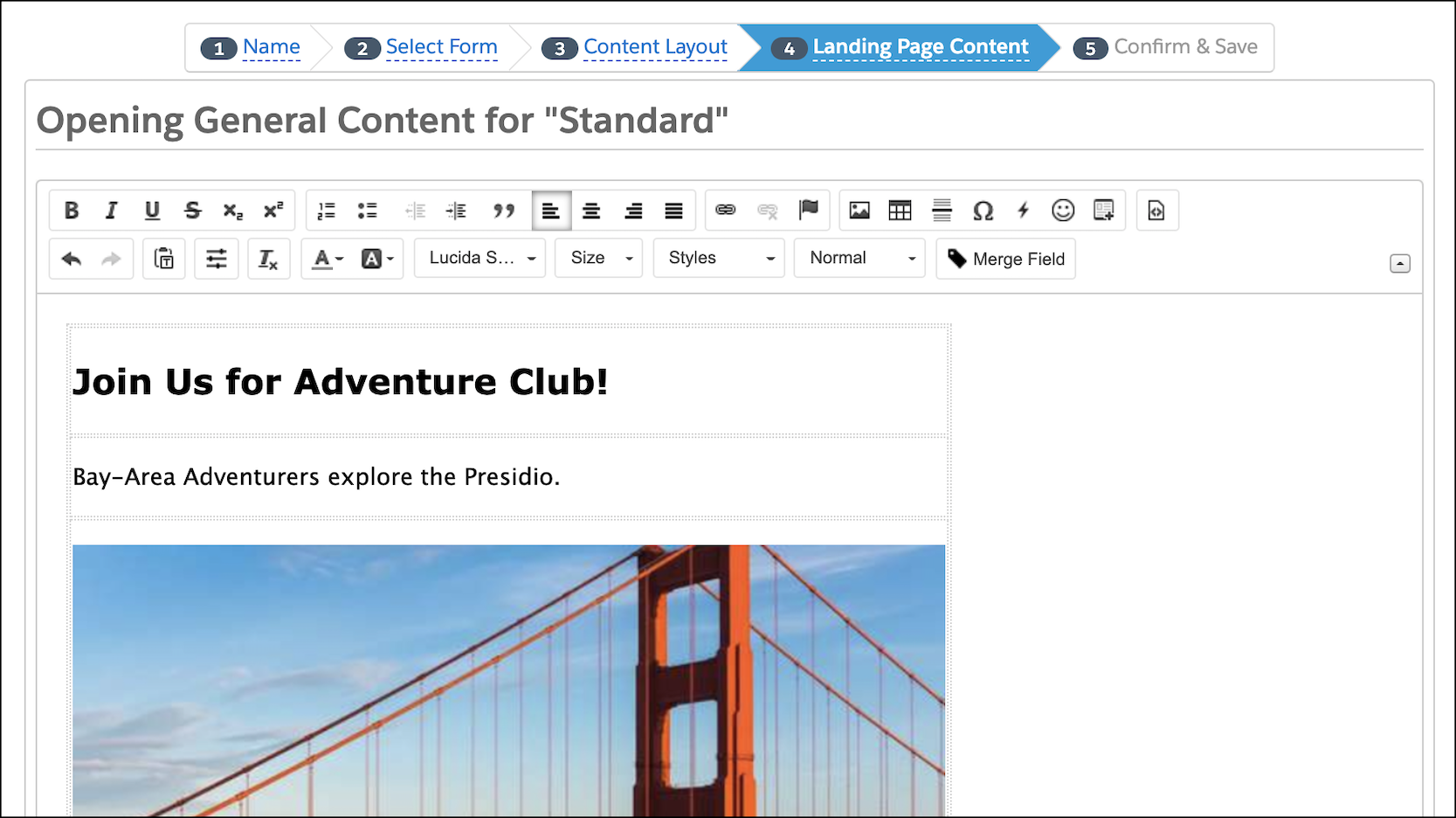
In the classic landing page experience, you can use layout templates to format landing pages, forms, and site search results. You can also use content regions to control which sections of your layout templates are editable. - Create a Landing Page with a Stock Template
Quickly create a classic landing page with a preformatted stock template. - Test Landing Page Versions
Multivariate tests let you compare the effectiveness of different landing pages over a time and determine the top performer. You can test classic and builder landing pages.