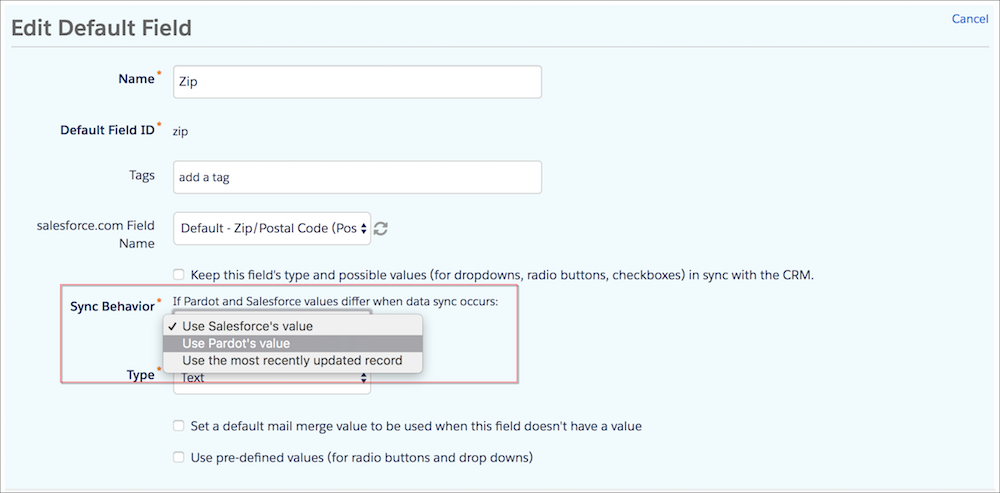
Admins can configure default and custom prospect field sync behavior. When you update
field sync behavior, it applies only to future data syncs.
Required Editions
| User Permissions Needed |
| To configure fields: |
Account Engagement Administrator role
|
-
Edit the prospect field.
-
From the Sync Behavior dropdown, select the desired behavior.
-
Save the field.