The next-gen marketing app uses communication subscriptions to manage list membership.
To share consent between Marketing Cloud Next and Marketing Cloud Engagement, map
engagement lists and publication lists to communication subscriptions for email and
SMS.
Required Editions
After you map the lists, a subscriber's status syncs between apps each time they update
their consent.
-
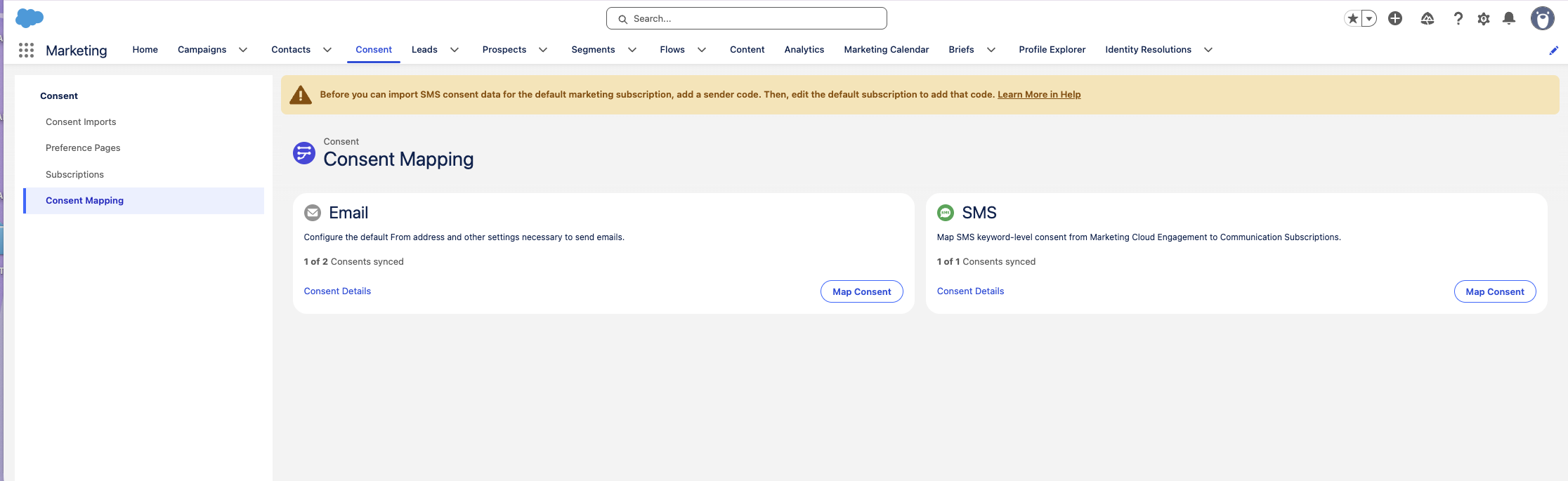
In the Marketing app, go to the Consent tab.
-
Click Consent Mapping.
-
Find the card for the channel you want to update, and click Map
Consent.
-
If your organization uses business units, select a business unit for the mapping
configuration.
-
If you selected SMS, select a Sender Code.
-
Select one or more engagement lists or publication lists to map.
-
Click Add Subscription.
-
Create a communication subscription.
-
Click Consent Details, and then map each engagement list to the
corresponding communication subscription.
-
Optionally, edit the name of the communication subscription.
-
Click Map Consent.