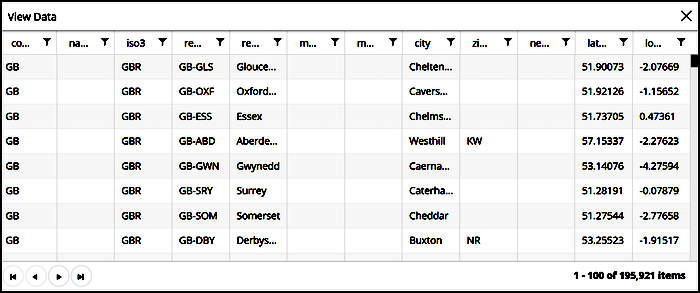
To determine which location data is available in Marketing Cloud Intelligence Data Pipelines, go to the Dimensions List.
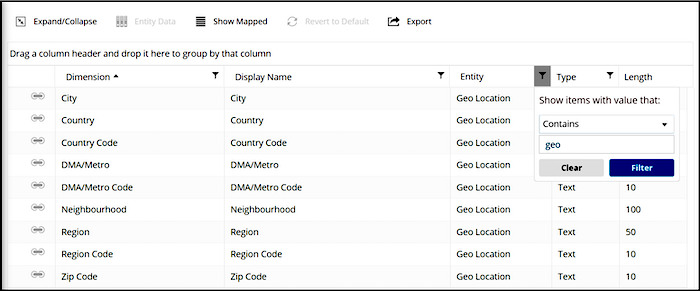
- On the Import tab, select Data Model and then Dimensions List.
- To view all dimensions, click Show All.
-
To filter by geolocation fields, create a filter in the Entity column by selecting
Contains and then geo.
-
Select the row of the geolocation entity, and then click Entity
Data. A list of all location data in the platform populates.