
Access Marketing Cloud Personalization from Marketing Cloud Engagement.
Required Editions
| Permissions Needed | |
|---|---|
| To log in to Marketing Cloud Personalization from Marketing Cloud Engagement: | An active user account with appropriate dataset and role-based permissions |
- Before you can access Marketing Cloud Personalization, ensure that your Marketing Cloud Engagement administrator has set up your account according to the instructions in Activate a User Account.
- Log into your Engagement account as a user with Marketing Cloud Personalization access permissions.
-
Select Personalization from the top navigation.

What you can see in Personalization depends on your access level. The following figure shows an example.
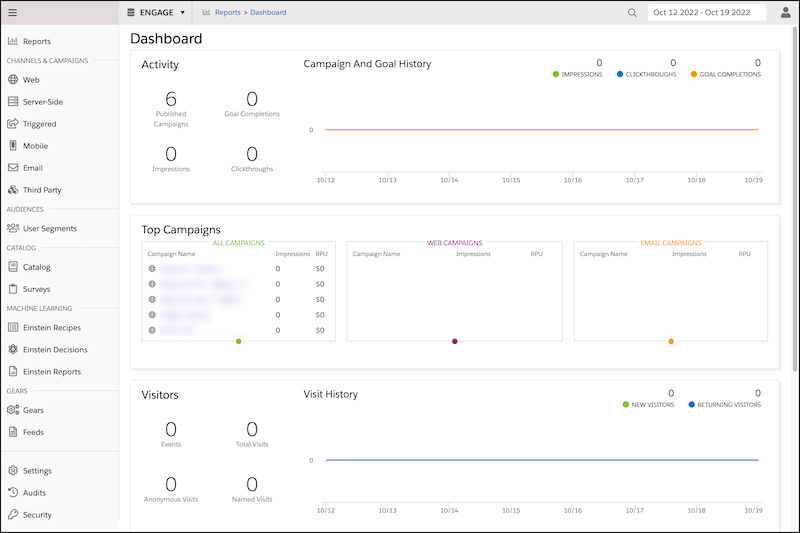
 Note You have access only to the capabilities your Marketing Cloud Personalization administrator assigned to you for a particular dataset. That means that you might have access to create and publish campaigns on a testing dataset but only have access to view campaigns in a production dataset. Contact your administrator to make adjustments to your permissions.