
Review a customer profile from this dashboard. Expand the view for greater detail or make changes to the customer privacy setting.
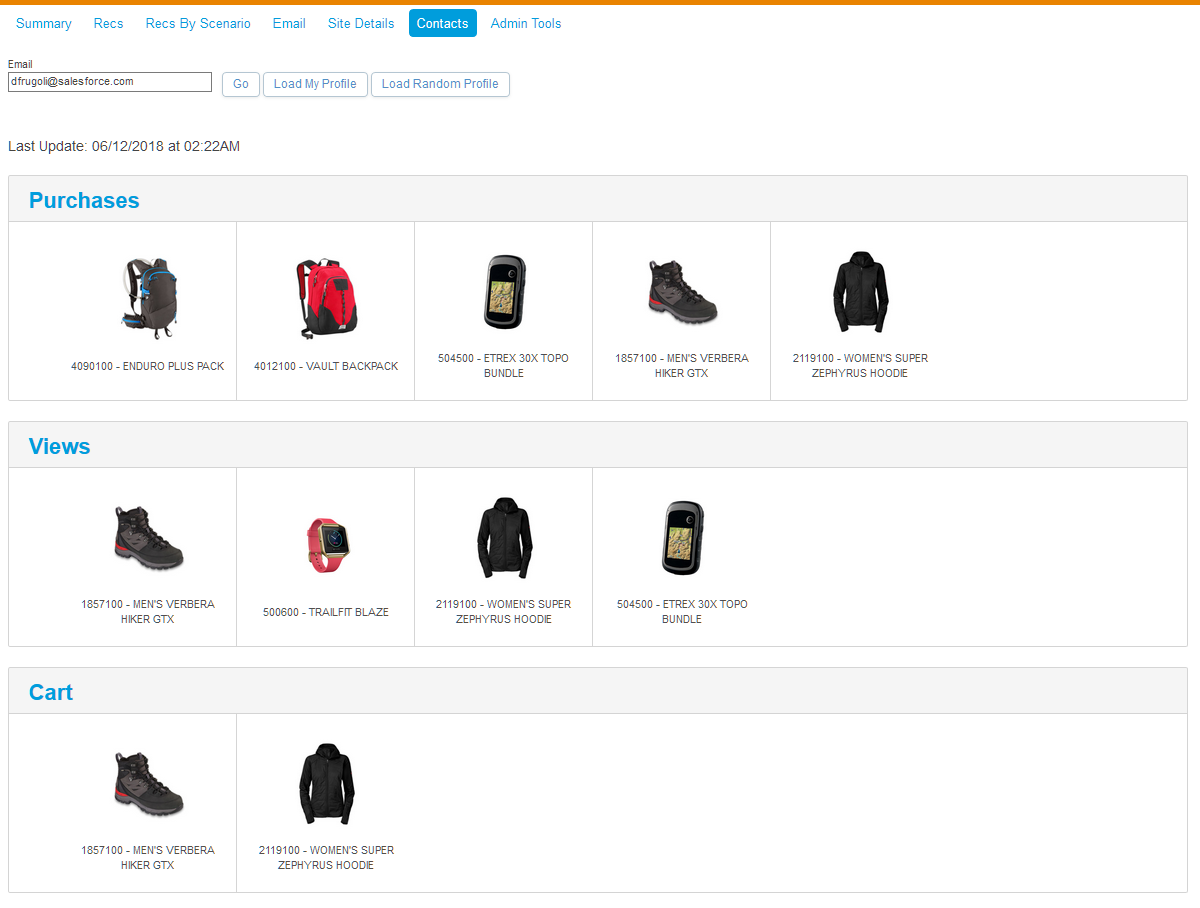
The top section of the dashboard shows recent items purchased, viewed, and added to a cart by the customer. This section includes a picture and name of the item and its SKU.
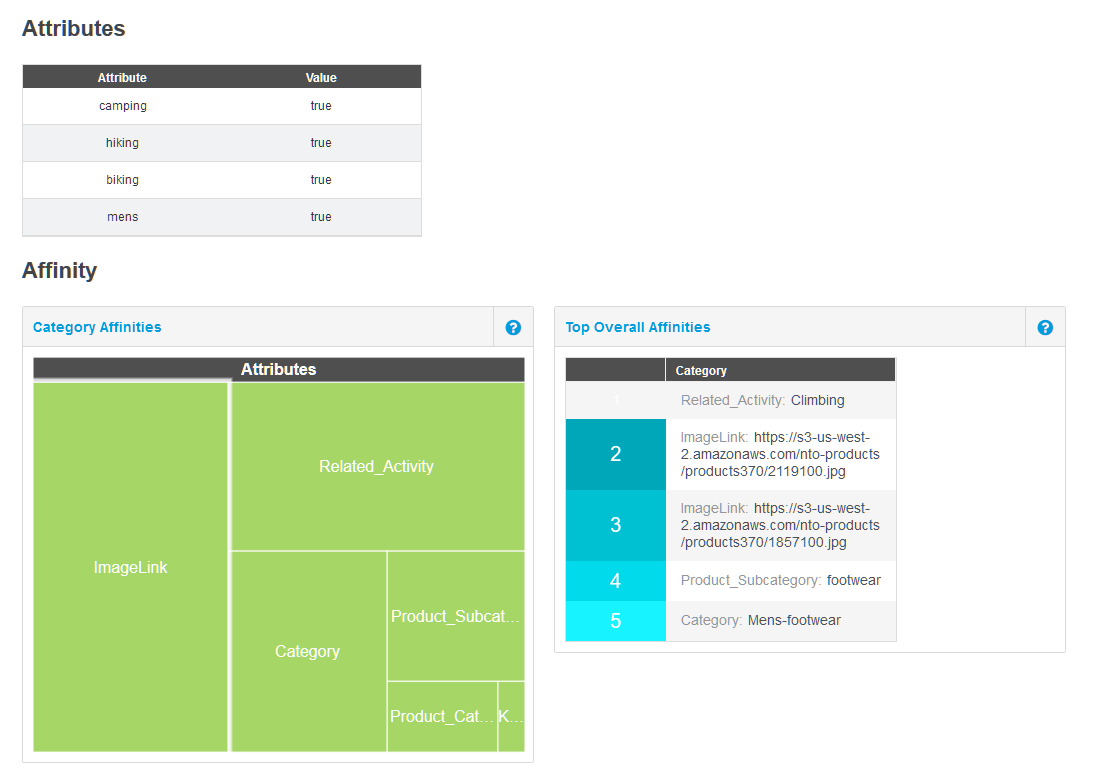
The next section shows the top attributes of products the customer purchased, viewed, or added to a cart. This section includes a graphic representation of the top customer affinities. Larger rectangles indicate a stronger affinity.
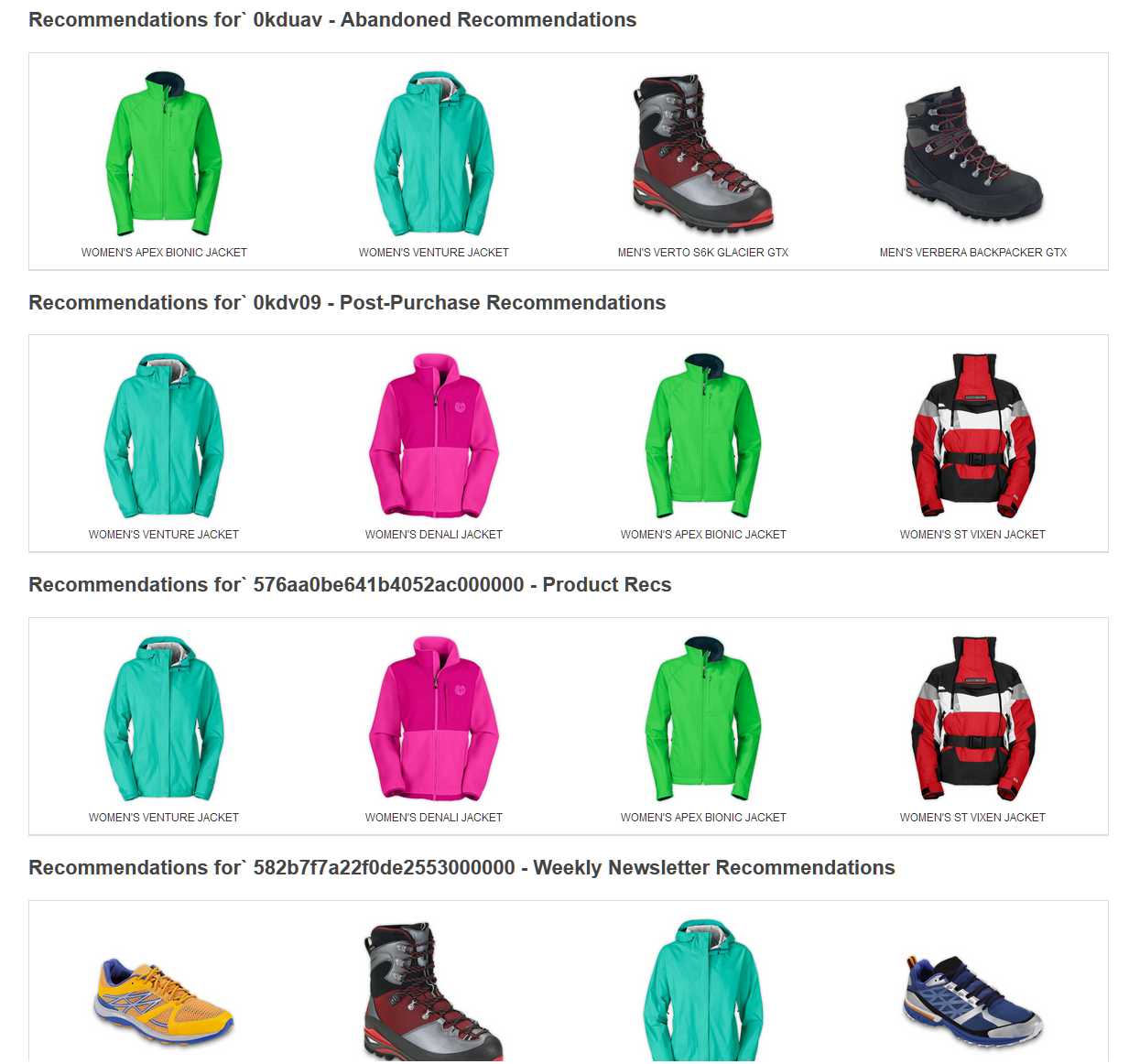
The next section shows a picture and the name of each product recommended to the customer according to the rules you configured.
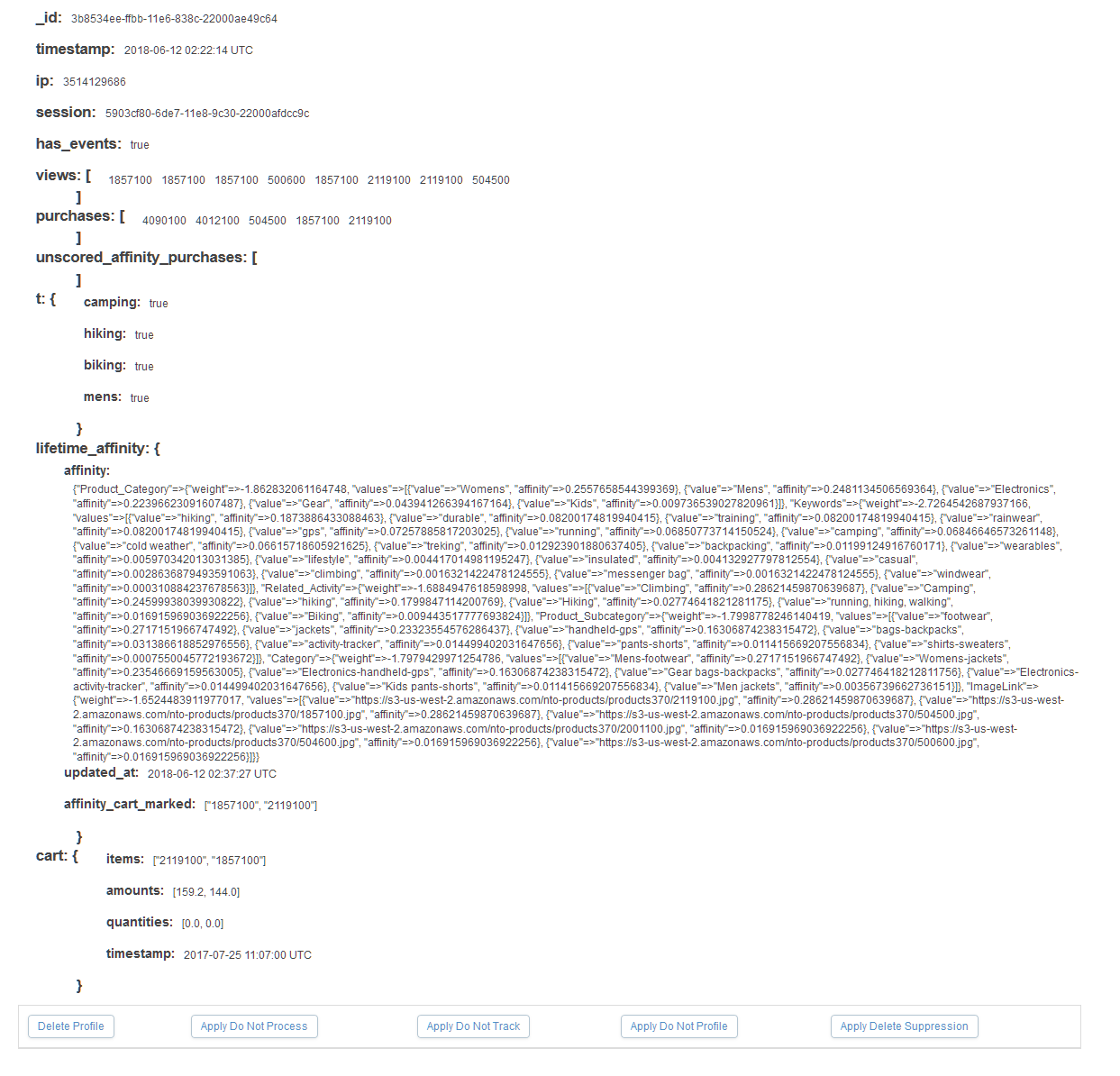
Use the buttons to expand the profile to view the code version of information in the dashboard or to manage privacy settings. See Manage Einstein Recommendations Customer Profile Data Privacy for more details about privacy settings for Einstein Recommendations.

The expanded view displays the code version of the customer profile. If a privacy setting is enabled for the customer profile, a number code appears on the last line of the code.
- 1 - Do Not Track
- 2 - Do Not Profile
- 3 - Do Not Track and Do Not Profile
- 4 - Do Not Process
- 5 - Do Not Track and Do Not Process
- 6 - Do Not Profile and Do Not Process
- 7 - Do Not Track, Do Not Profile, and Do Not Process
- Einstein Recommendations Privacy Status Dashboard
View the Personalization Builder privacy status dashboard to track the processing of customer privacy option requests. - View an Einstein Recommendations Customer Profile
View a customer profile in Einstein Recommendations. - Configure the Data Suppression Period for Einstein Recommendations
The default suppression period before deleting a customer profile is 14 days. During the suppression period, the system holds existing data but doesn’t collect more. At the end of the suppression period, all profile data is deleted. You can change the default suppression period. - Manage Einstein Recommendations Customer Profile Data Privacy
To honor subscriber privacy and data protection preferences, manage consent, data deletion, and restriction of processing for a customer profile in Einstein Recommendations. To export Einstein Recommendations data, contact your account executive for assistance.