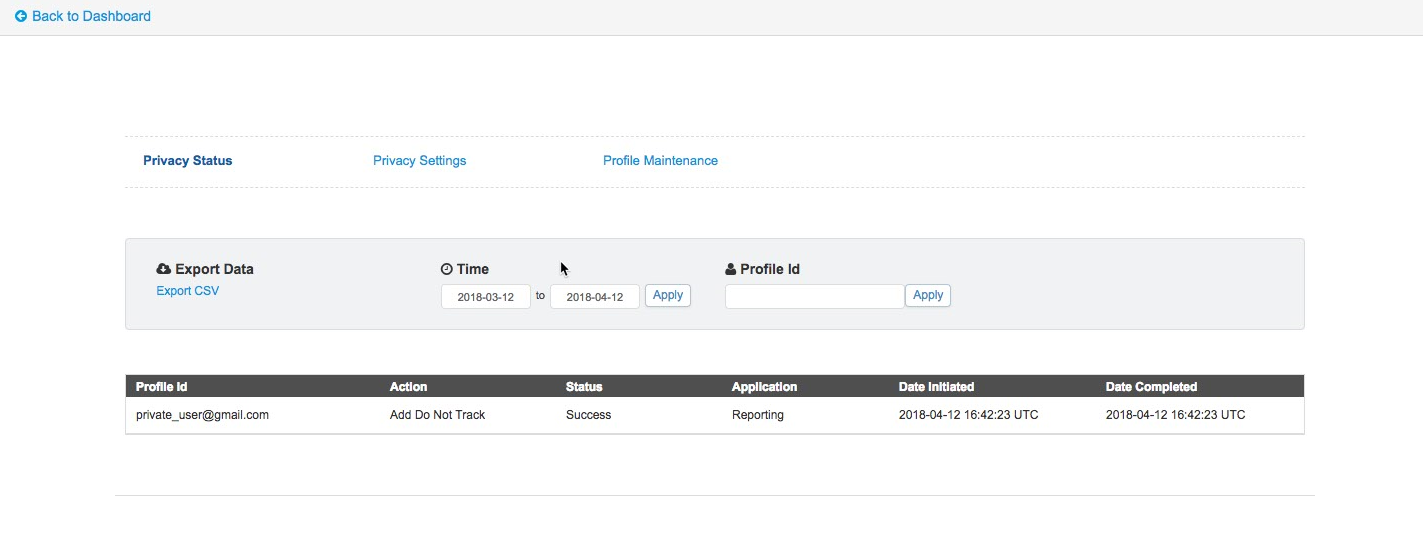
View the Personalization Builder privacy status dashboard to track the processing of customer privacy option requests.
The dashboard display includes:
- The customer’s emails address
- Requested privacy option
- Status for processing the request
- Where the option is applied
- The date the request was initiated
- The date the request was completed
Follow these steps to view the Einstein Recommendations privacy status dashboard.
- Select either Email Recommendations or Web Recommendations under Einstein.
- Click the Reporting tab.
- Click Admin Tools.
- Click Privacy Status.
- Enter a profile ID or date range.
- Click Apply.

Tip You can view a maximum of 100 instances in the dashboard. For longer
lists, export to a CSV file.