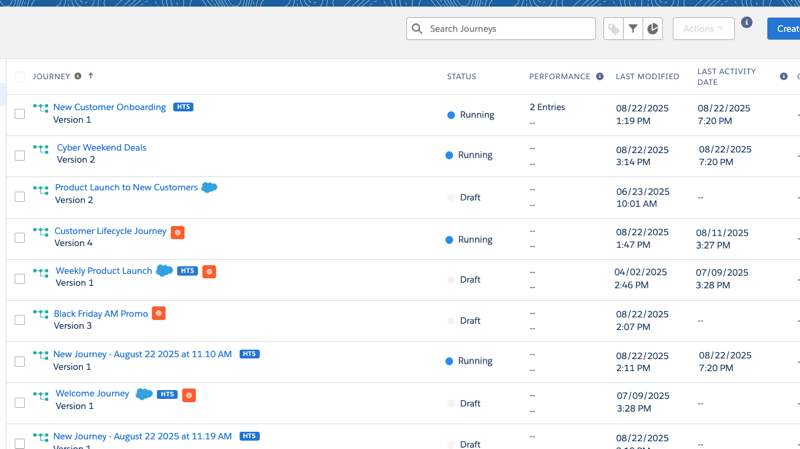
This default Journey Builder dashboard shows available journeys in your Marketing Cloud Engagement account.
- Journey—The name of the journey.
- Status—Possible journey statuses include:
- Canceled—A Single Send journey was canceled before the scheduled send date and time.
- Deleted—The journey was deleted.
- Draft—The journey is ready for editing.
- Running—The journey is published and active.
- Scheduled—The Single Send journey is scheduled to send at the specified date and time.
- Sent—A Single Send journey started or sent a message on the specified send date and time.
- Stopped—The journey was stopped.
- Performance—How the journey is performing according to the goals set for that journey.
- Last Modified—The time and date when the journey’s most recent update occurred.
The campaign icon shows which journeys are part of a campaign. The HTS icon shows when a journey has High-Throughput Sending enabled, and the Last Activity Date column shows you the last time the journey processed a contact.