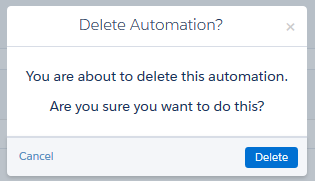
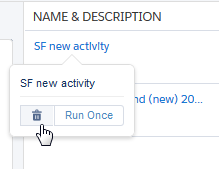
Delete unneeded automations in Automation Studio without leaving the Overview page. Hover over the name of the automation. Click Delete. A confirmation message appears. Click Delete to finalize this action.
Delete unneeded automations in Automation Studio without leaving the Overview page. Hover over the name of the automation. Click Delete. A confirmation message appears. Click Delete to finalize this action.

 A confirmation message appears.