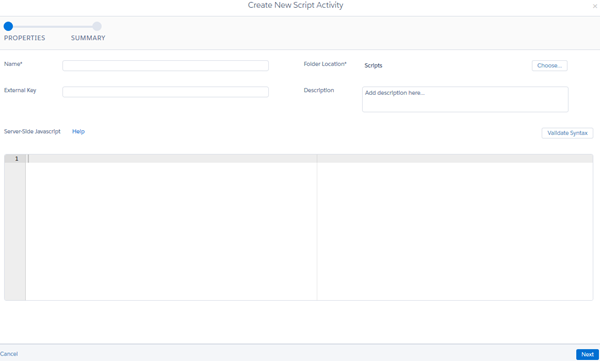
Add your own server-side JavaScript using this Automation Studio activity to accomplish any task for which you would use server-side JavaScript in an email or landing page.

Note
JavaScript is a registered trademark of Oracle and/or its affiliates.
- Click Create Activity.
- Select Script.
- Add all applicable details.
- Enter your server-side JavaScript.
-
Click Validate Syntax to test your
JavaScript. This step does not ensure that the script runs
successfully, but it ensures that the server-side JavaScript
uses valid syntax.