
Tell an automation how long to pause before proceeding to the next activity in Automation Studio.
Wait activities cause an automation to wait for a specific duration or until a specific time before performing the next step.
- From the Overview page, select an automation to edit, or create an automation.
- Click Wait and drag the activity into a drop zone on the canvas.
-
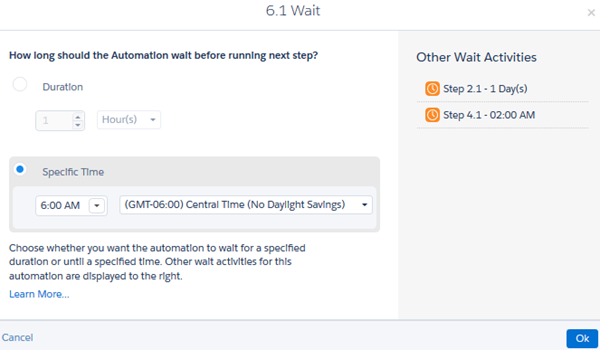
To tell Automation Studio to either wait for a duration of time
or until a specific time, click
Choose.
-
Save the activity's settings.
 Tip You can set an automation to do both—to wait for a specified duration, but to not start before a specified time. Add a wait activity for the duration and save it. Then, in the next column, add a wait activity for the specified time.