
After the Media Naming Builder app installs, you can use it to create hundreds of names based on naming convention patterns.
Required Editions
| User Permissions Needed | |
|---|---|
| To view installed Marketplace apps: | Admin, Power User, and Viewer |
You must have a naming convention pattern in your workspace in order to use this app. If you uploaded a validation file when creating your pattern you can choose from a list of values when creating your names. For more information, see Create a Naming Convention Pattern.
- In Marketing Cloud Intelligence, on the Marketplace tab, select Apps.
- Click Installed Solutions, and then select the Media Naming Builder app.
- To create media names, select the values from the dropdown list or manually enter the values.
-
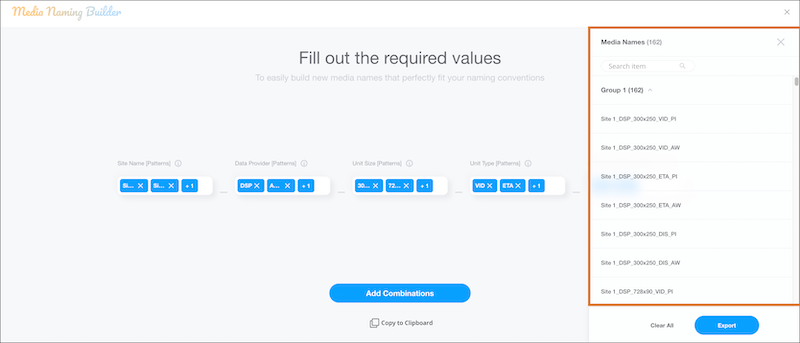
Click Add Combinations.
A list of all the combinations appears on the right-hand side. One group is created for all the combinations.
-
Add more combinations as needed.
If you add another combination it appears as a new group under the first one.
-
After you’re done building names, click Export.
An Excel file of your names is created. Use caution when changing the names in the Excel file, because your changes can affect your patterns.