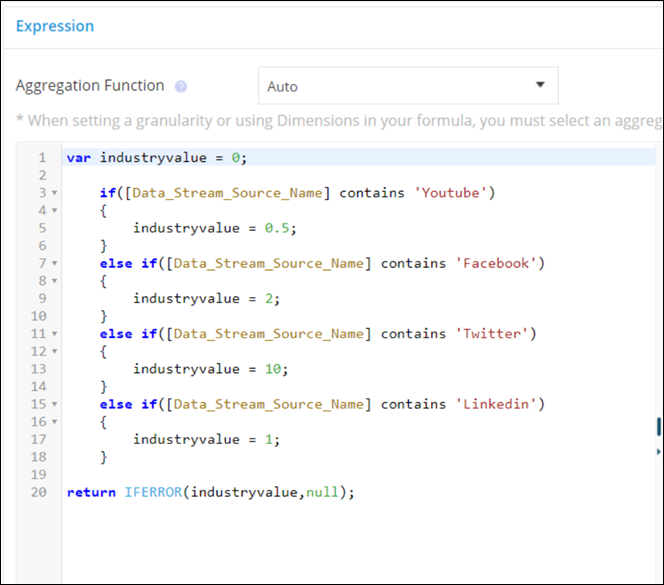
You can differentiate between different types of entities, by looking at the naming convention of the entity.
For example, here you can see 5 calculated dimensions were created for this app.
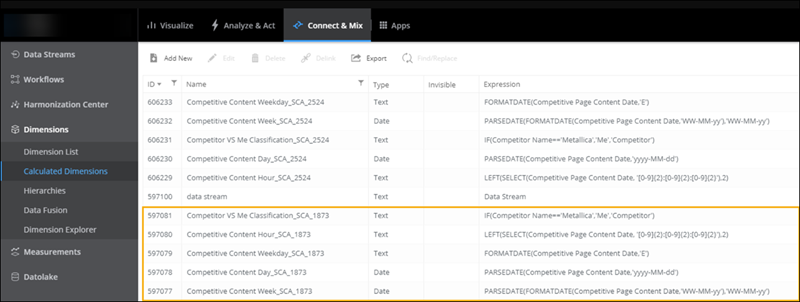
The number appearing after the underscore in the entity is the installation ID of the related app.
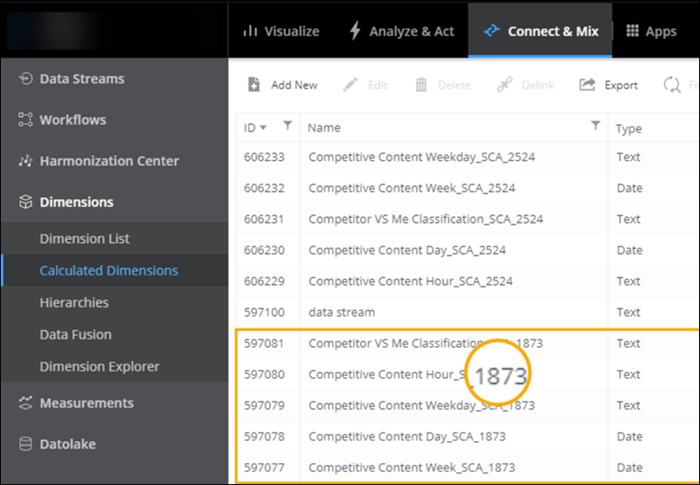
If you open an installed app, for example, Social Intelligence, you can see this number in the URL of the related app.
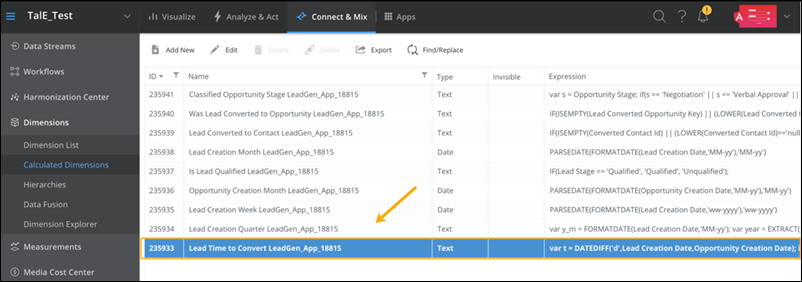
You can also use this number to search for all the underlying entities related to a specific app. For example, if you want to find the calculated measurements that were created for app ID 1873, filter the name to 1873 and then search for all the calculated measurements.