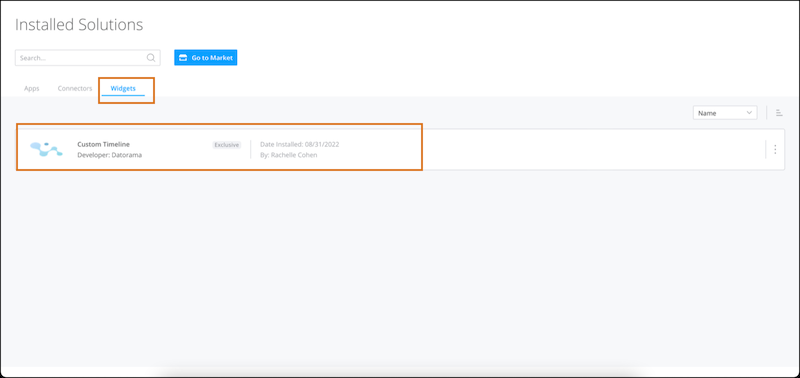
Add functionality to your workspace’s dashboard pages with a custom widget. After the
custom widget installs it appears in your Installed Solutions page, and also becomes available in
the Visualize tab just like other widget types.
Required Editions
| User Permissions Needed |
| To install a custom widget: |
Admin |
Only admins can install custom widgets from the Marketplace. If you’re a power user or viewer,
you can send a request to your admin and they install the custom widget for you.
-
From the Marketplace tab in Intelligence, go to the Marketplace home page.
-
On the Widgets tab, select the custom widget that you want to install and click
Get it Now.
After the custom widget installs, it appears in your Installed Solutions on the
Widgets tab.