
After your Marketing Cloud Intelligence account is provisioned, you can now start setting up your workspace. A Marketing Cloud Intelligence account is divided into workspaces. Each workspace is a separate working environment with its own permissions. When you make changes, the changes are applied only to the workspace that you’re working in.
Required Editions
| User Permissions Needed | |
|---|---|
| To set up a workspace: | Admin |
By default, a workspace can have up to 50 million rows. If you exceed this amount, an error message appears, and you can’t create the workspace. To increase the number of rows, contact your Marketing Cloud Intelligence representative.
-
Log in to Marketing Cloud Intelligence with your username and password. The first time you
log in, the Welcome screen appears.
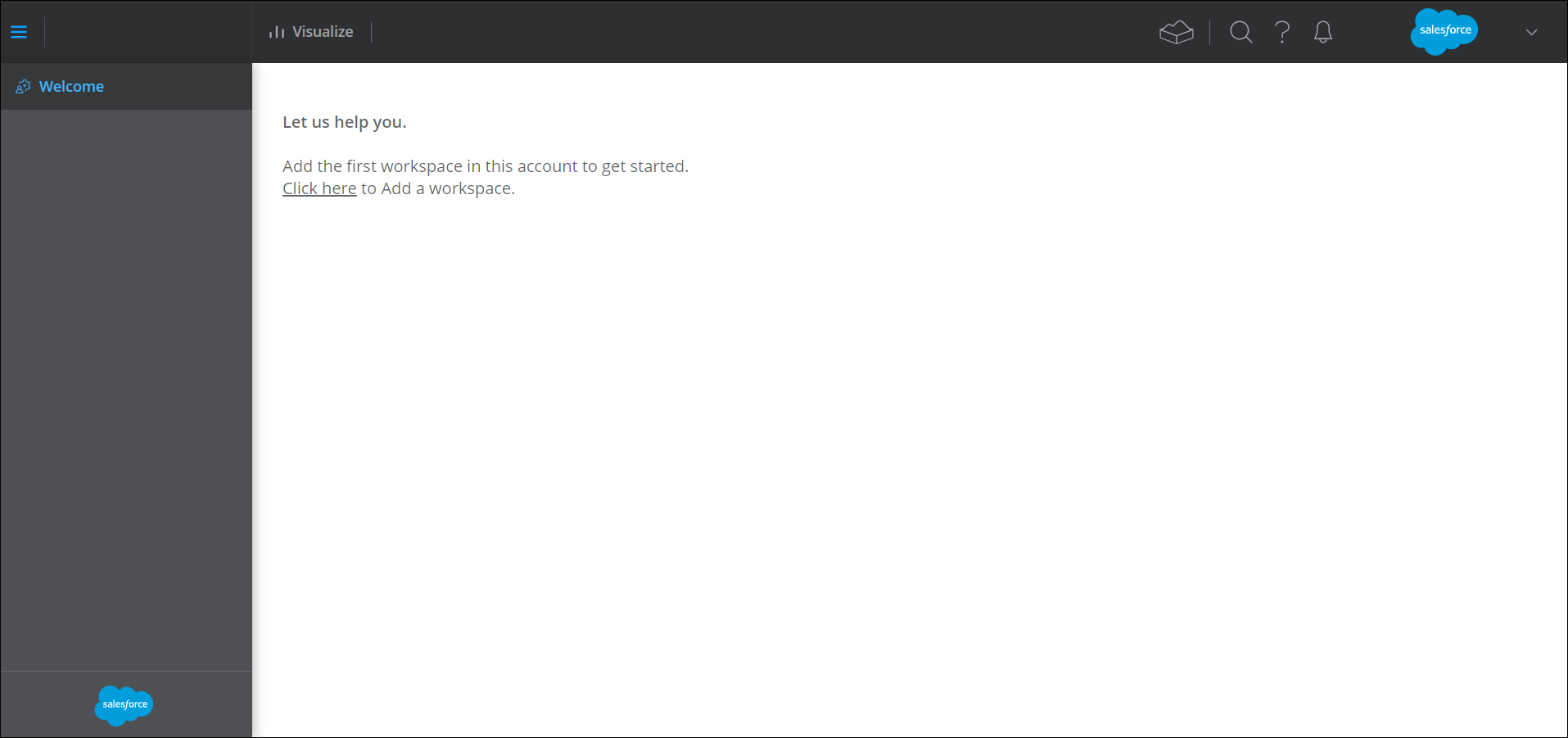
- To add your first workspace, click the Click here link.
-
Enter these details.
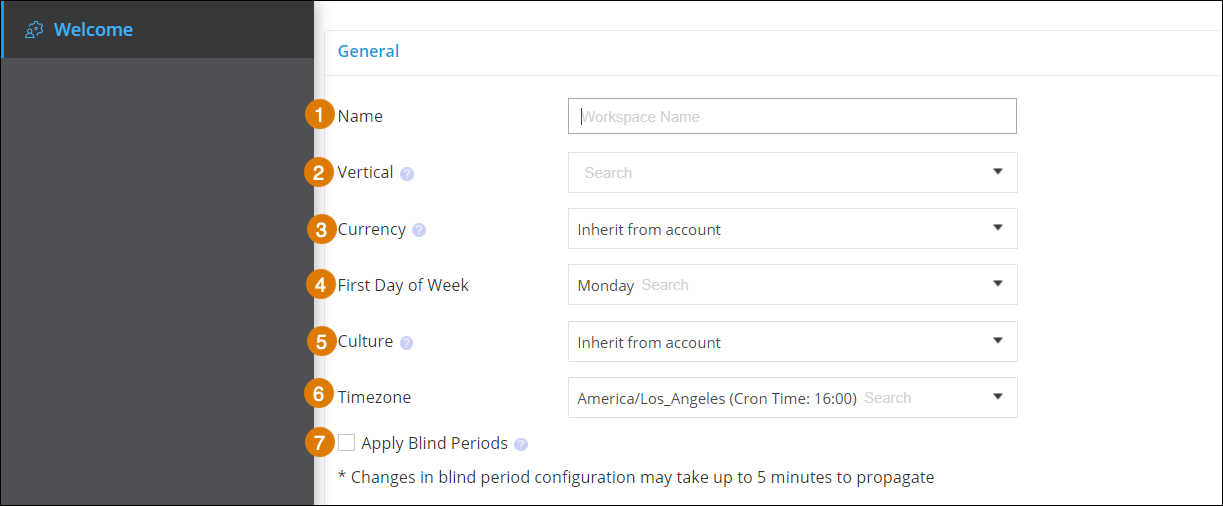
- Name–Enter your workspace name. (1)
- Vertical–Select the targeted market that’s relevant to your workspace. (2)
- Currency–The default behavior is to inherit the currency settings from the account. If you require a different currency, select it from the dropdown list. Cost data uploaded to the workspace is converted according to the workspace’s currency. (3)
- First Day of Week–Set the first day of the week. By default, it’s set to Monday. (4)
- Culture–Select the country to define how numbers are displayed in the platform. For example, 100,000 for United States, 100.000 for Germany. (5)
- Timezone–The time zone affects notifications and automatic scheduling, like report scheduling. Data stream updates are performed at 6:00 AM in the workspace’s time zone. (6)
- Apply Blind Periods–Blind periods are time periods when users with analyst and viewer roles can’t see the updated data in the workspace. If you’re using a blind period, enter the number of days the period lasts. (7)
- Save your workspace. You can now add users and upload your data.